1 Ultimate Free Twitch Emote Resizer: Perfect 28x28
Drag and drop your image below to instantly generate the exact 28x28, 56x56, and 112x112 pixel sizes required by Twitch.
Cross-Platform Resizer
Instant standard sizes for TWITCH.
Why You Need a Dedicated Twitch Emote Resizer
If you are a streamer looking to build a brand, having a high-quality Twitch Emote Resizer is not optional—it is a strict requirement. When you upload a custom emote, Twitch allows you to either auto-resize a single image or manually upload the exact 28x28, 56x56, and 112x112 sizes. The auto-resize feature is notoriously bad at preserving sharp edges, making your emote look blurry in chat.
This happens because generic algorithms prioritize server processing speed over image fidelity. If your branding relies on sharp lines, distinct colors, or legible text, trusting a remote server to downscale your artwork is a massive mistake. Using a dedicated Twitch Emote Resizer provides total control over the final output, ensuring viewers experience your artwork exactly as intended.
Our free Twitch Emote Resizer solves this exact problem instantly. By using advanced browser-side resampling algorithms, we preserve the hard edges of your artwork, ensuring your emote looks incredibly crisp whether it is viewed on a massive 4K monitor, a standard 1080p display, or a tiny smartphone screen. No more muddy pixels, and no more lost details.
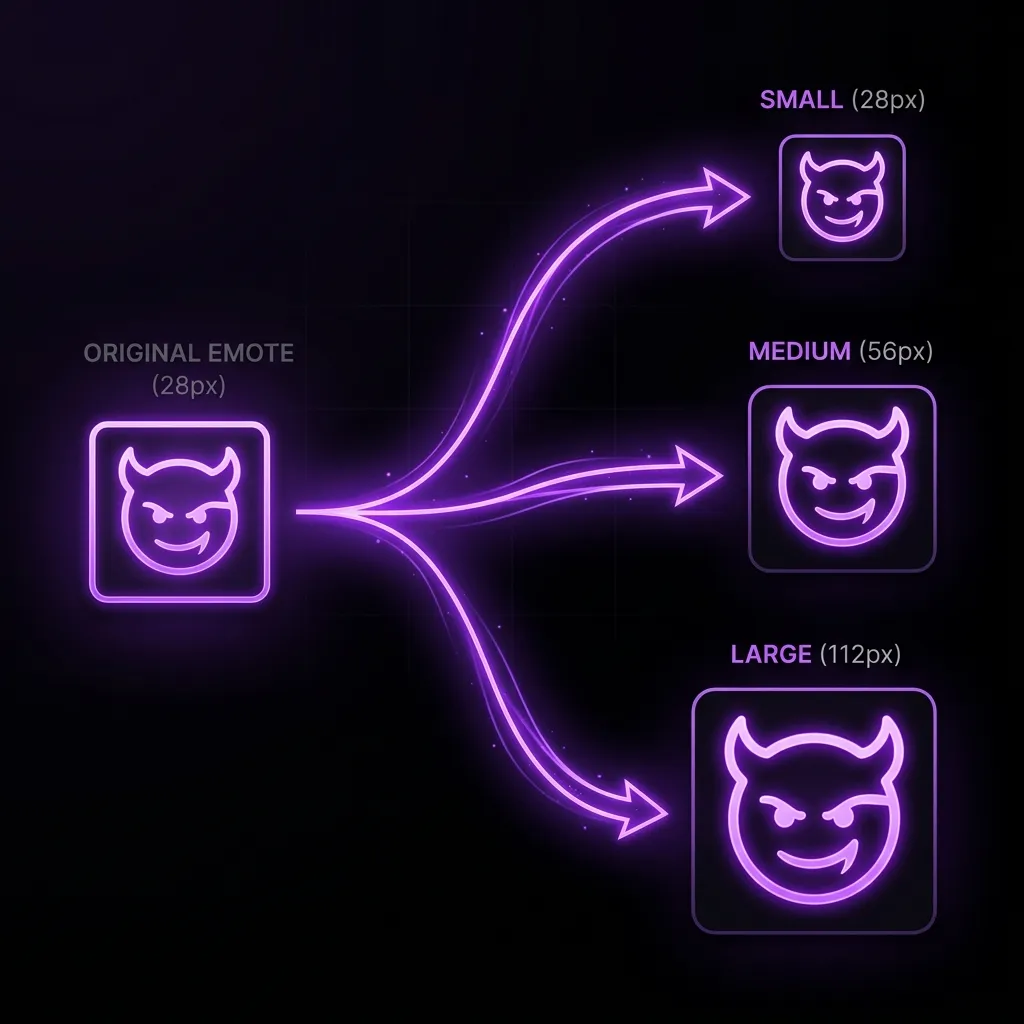
The Problem with Auto-Resizing
Why avoid the default platform auto-resizer? Because the algorithmic downscaling used by streaming platforms prioritizes speed and server load over image quality. They apply standard bicubic interpolation, which often "blurs" adjacent pixels together to create an illusion of smoothness. This is terrible for pixel art, cartoon illustrations, and high-contrast emotes.
Furthermore, auto-resizers often misinterpret transparency channels. If you have a subtle drop shadow or a glowing neon effect surrounding your character, an automated server-side pass might compress the alpha channel, leaving ugly white artifacts or jagged halos around your image. A dedicated Twitch Emote Resizer handles transparency perfectly, calculating edge boundaries locally before committing the pixel data.
When you use a dedicated Twitch Emote Resizer, you take back control of the rendering process. You generate the exact pixel sizes required on your own machine, meaning the platform servers don't touch your image. What you upload is exactly what your viewers see in the chat feed.
How Our Free Twitch Emote Resizer Works
Our Twitch Emote Resizer operates entirely within your web browser. This means your private, unreleased artwork is never uploaded to any remote server. But we don't just shrink your image—we have built an entirely local, in-browser image processing engine that offers features you'd normally need Adobe Photoshop for. Here is what makes our tool the ultimate choice for streamers and artists:
- 1Smart Alpha Auto-CropMost resizers blindly shrink your canvas. If your artwork has empty transparent space around it, your character becomes tiny. Our tool programmatically scans the alpha channel, finds the exact edges of your artwork, and instantly crops out dead space before resizing. Your emote will be as large and readable as physically possible.
- 2Clarity Boost (28x28 Sharpening)Standard browser downscaling makes pixel art and sharp lines extremely blurry. Our engine applies a custom Unsharp Mask convolution matrix specifically tuned for the tiny 28x28 and 56x56 outputs. Your edges will stay crisp and your colors will pop perfectly in Twitch dark mode.
- 3Pixel-Art Perfect ModeIf you are a pixel artist, you know the pain of anti-aliasing ruining your hard work. Our dedicated Pixel-Art Mode disables standard interpolation and uses a Nearest-Neighbor scaling algorithm, guaranteeing your blocky pixel art remains flawlessly sharp.
- 4Live Twitch Chat Mockups & LimitsDon't guess how it looks. Our live preview injects your generated 28x28 emote directly into a simulated Twitch chat bubble so you can verify readability instantly. Furthermore, we actively calculate your file size in real-time and throw a red warning if your emote exceeds the 1MB platform limit, saving you from a frustrating upload rejection!
Mastering the Exact Dimensions: 28x28, 56x56, 112x112
To truly utilize a Twitch Emote Resizer effectively, you must understand why these three specific dimensions exist in the first place. Twitch serves different image sizes dynamically based on the user's hardware, screen density, and where the emote is being displayed within the application interface.
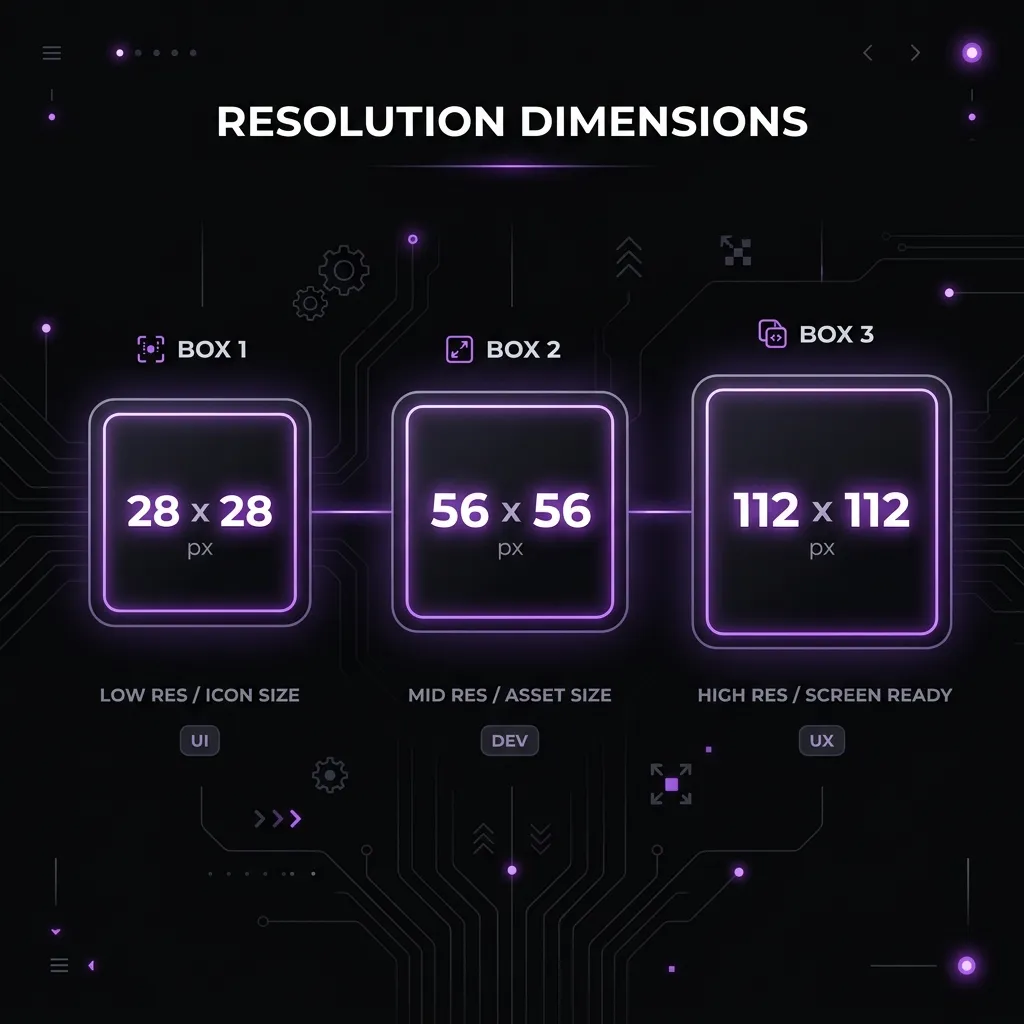
The Critical 28x28 Pixel Twitch Emote Resizer View
The 28x28 pixel size is arguably the most important output of any Twitch Emote Resizer. This is the exact size that appears directly inline within the live chat stream. Because it is incredibly small—literally the size of a fingernail on a monitor—readability is a massive challenge for artists.
If your original artwork is overly complex, contains thin lines, or uses subtle gradients, those details will completely vanish at 28x28. A good Twitch Emote Resizer workflow involves designing your base emote on a much larger canvas, but constantly zooming out to check how it looks at the 28x28 scale.
Professional artists often add exaggerated features—larger eyes, thicker outlines, and hyper-saturated colors—specifically to ensure that when the file passes through a Twitch Emote Resizer, the resulting 28x28 image retains its emotional impact and brand recognition in a fast-moving chat.
The 56x56 Pixel Medium Resolution
The 56x56 pixel size serves two main purposes. First, it is the size used in the emote picker menu when a user clicks the smiley face icon to select an emote to type. Second, it is served to users with high-density Retina, 4K, or modern mobile displays to prevent the 28x28 image from looking pixelated when upscaled by the operating system.
Our Twitch Emote Resizer perfectly halves the 112x112 image to create the 56x56 version, ensuring mathematical perfection in the pixel reduction process. Because 56 is exactly half of 112, the scaling algorithm doesn't have to guess or interpolate missing pixels, leading to a flawlessly crisp rendering.
The 112x112 Pixel High Resolution
The 112x112 output from our Twitch Emote Resizer is the largest standard size required by the platform. This specific dimension is displayed when a viewer clicks on an emote in the chat log to see a larger preview popup, or when they are viewing the channel's subscription page to inspect the benefits before paying.
This is the size where your intricate details, shading, and linework finally get to shine. The Twitch Emote Resizer preserves the maximum amount of visual data at this stage, giving prospective subscribers the best possible impression of your channel's production value.
The Technical Science Behind Our Twitch Emote Resizer Algorithm
Not all image scaling tools are created equal. When you use heavy applications like Photoshop or standard OS tools, you are asked to pick a resampling method. Our Twitch Emote Resizer automates this entirely by selecting the optimal algorithm specifically tuned for transparent PNGs designed for digital interfaces.
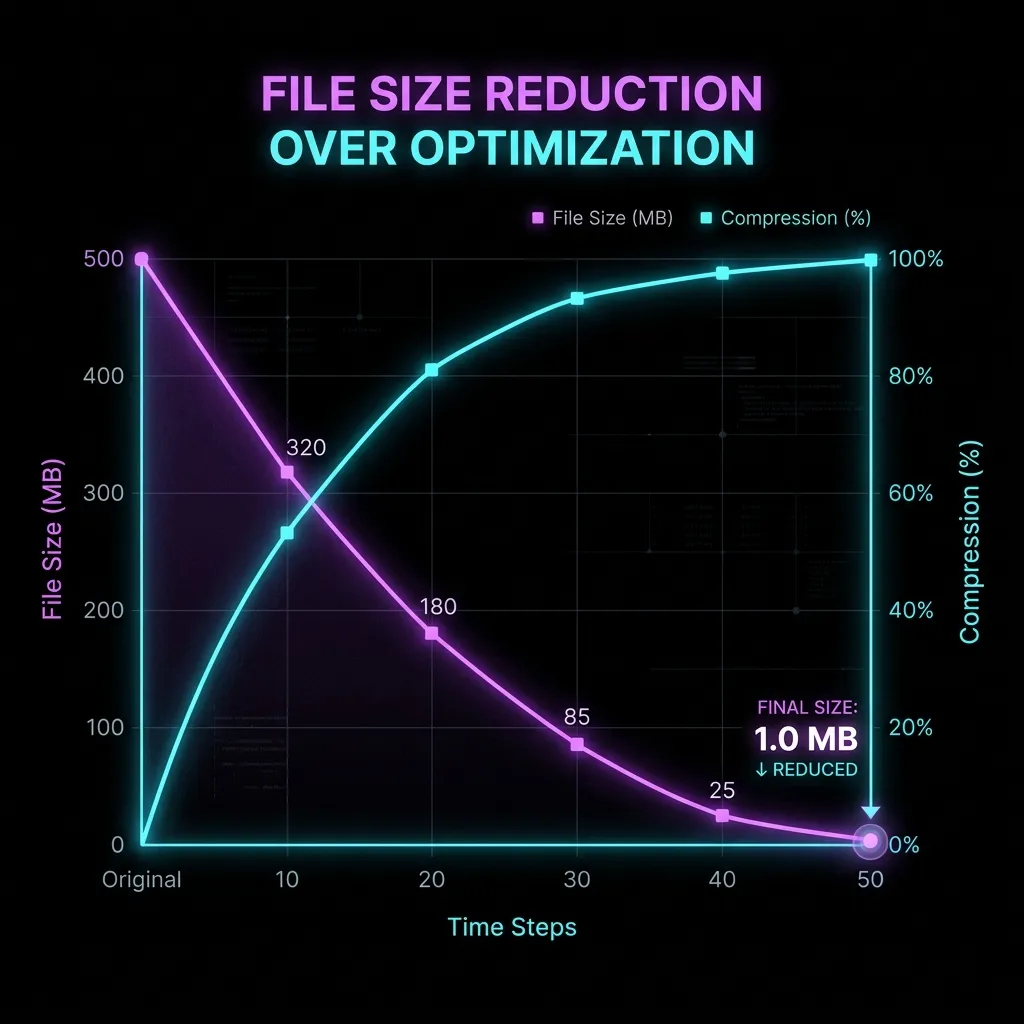
Bilinear vs Bicubic Resampling
Downscaling an image fundamentally means throwing away data. If you have a 500x500 master image, reducing it to 28x28 requires the Twitch Emote Resizer to discard the vast majority of pixels. How the software decides which pixels to keep and which to average out completely determines the visual quality.
Our Twitch Emote Resizer uses a highly optimized downsampling technique that averages pixel clusters rather than dropping them entirely or blurring them excessively. This ensures that thin outlines (which are absolutely vital for emote readability) are preserved and not accidentally deleted during the crunch.
Bicubic interpolation, while great for photographs, is famously poor for graphic art because it introduces ringing artifacts. By avoiding this, our Twitch Emote Resizer ensures your digital drawings remain pristine, sharp, and highly legible.
Canvas API and Local Processing
By running the Twitch Emote Resizer entirely in the browser using the HTML5 Canvas API, we achieve sub-second processing times. There is no waiting in a remote server queue, no uploading massive files over slow connections, and no network latency.
You simply drop the file, and the browser's local graphics engine instantly redraws the image at the exact mathematical sizes required, offering it back to you immediately as a downloadable ZIP package. This makes our Twitch Emote Resizer the fastest utility available on the internet today.
Top Errors Streamers Face Without a Twitch Emote Resizer
If you attempt to upload a raw file directly to the creator dashboard without passing it through a Twitch Emote Resizer first, you will almost certainly encounter one of several highly frustrating error messages that halt your channel branding progress in its tracks.
Aspect Ratio Rejection
The single most common error is the dreaded "Aspect Ratio Error." Platform guidelines dictate that emotes must be a perfect 1:1 square. If your artwork is exported at 112x110 pixels, it is technically a rectangle and the system will reject it outright.
If you encounter this frustrating roadblock, you do not need to reopen your drawing software or redraw your art. You can simply use our free Aspect Ratio Cropper tool to instantly pad the image with transparent space, making the bounding box a perfect mathematical square. After applying the pad, run it through the Twitch Emote Resizer to get your final sizes.
File Size Limits (The 1MB Rule)
Twitch imposes a very strict 1MB maximum file size ceiling for all emote uploads. While static PNG images rarely hit this massive limit, animated emotes (GIFs) frequently blow past it. If your animation is too long or contains too many complex colors, the Twitch Emote Resizer alone will not fix the issue.
In this scenario, you will need to run the file through a dedicated compression pass. You can easily use our Twitch GIF Compressor to drop redundant frames, reduce the color palette to 64 or 128 colors, or scale down the dimensions, effectively forcing the file under the strict 1MB platform ceiling.
How to Brand Your Channel Using Our Twitch Emote Resizer
Your emotes are essentially your digital currency on the platform. They are the primary, driving reason viewers choose to spend money and subscribe to your channel month over month. Utilizing a Twitch Emote Resizer effectively ensures that this visual currency looks incredibly premium and highly professional.
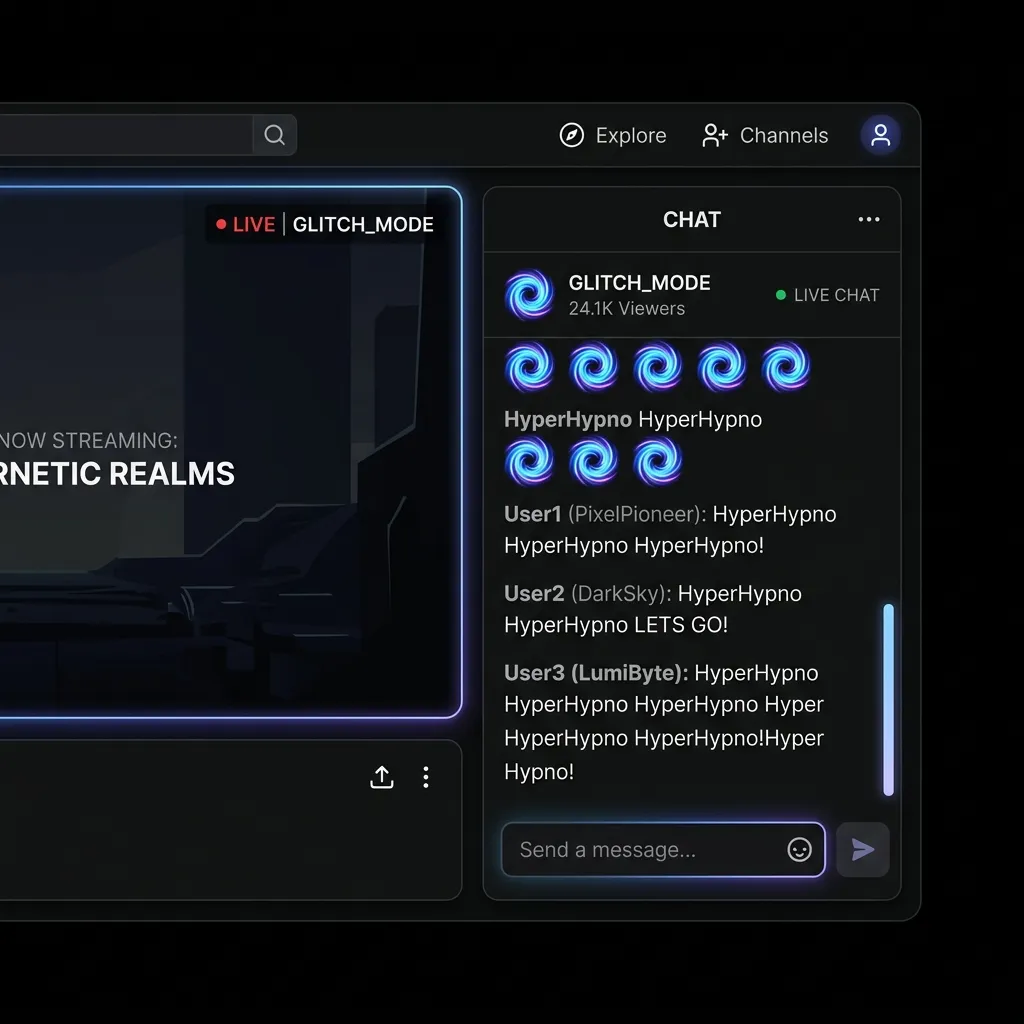
Creating Distinct Subscriber Tiers
When setting up your affiliate or partner channel, you are given specific upload slots for Tier 1, Tier 2, and Tier 3 subscribers. You can cleverly use the Twitch Emote Resizer to generate distinct color variations or animated versions of the same base design to appropriately reward higher-tier subscribers with exclusive flair.
Many successful streamers create a base logo or mascot emote, then run it through filters to make a gold, diamond, or glowing version. Dropping these iterations into the Twitch Emote Resizer takes seconds and instantly populates your higher-tier subscription slots with high-value content.
Contrast and Readability in Dark Mode
It is a statistical fact that over 80% of all platform viewers use dark mode. If your emote contains heavy dark grays, deep blues, or pure blacks without a defining thick white outline, it will blend completely into the chat background and become utterly invisible to the majority of your audience.
Before finalizing your assets using the Twitch Emote Resizer, always test your design against a pure #18181B or #0E0E10 background (the standard dark mode hex codes). If it vanishes, add a 2-pixel stroke or a subtle drop shadow before resizing.
Formatting Requirements for Your Twitch Emote Resizer Uploads
A Twitch Emote Resizer can only do so much if the initial input file format is completely incorrect. You absolutely must adhere to the official Twitch Emote Guidelines to ensure a smooth, error-free upload process to your dashboard.
PNG vs JPEG formats
You should never, under any circumstances, use the JPEG file format for emotes. JPEG absolutely does not support transparency, and worse, it uses a lossy compression algorithm that creates incredibly ugly, blocky artifacts around sharp edges and text. Our Twitch Emote Resizer strictly outputs high-quality PNGs for static emotes to ensure the transparent background remains totally invisible.
Transparency and Alpha Channels
The invisible, see-through background in your file is technically called an Alpha Channel. Our Twitch Emote Resizer is explicitly programmed to preserve high-fidelity 8-bit alpha channels. This means that even semi-transparent pixels (like a glowing magical effect, a fading drop shadow, or a gradient smoke trail) will render beautifully and realistically in the chat interface without jagged white outlines.
Step-by-Step Guide to Using the Twitch Emote Resizer
Using our proprietary Twitch Emote Resizer is incredibly straightforward and built for speed. We have intentionally eliminated all the complex, confusing settings found in enterprise software to provide a seamless, magical one-click experience.
Step 1: Uploading Your Image
Simply drag and drop your high-resolution artwork directly into the Twitch Emote Resizer upload box at the very top of this page. You can use an image of almost any size, as long as it is a 1:1 perfect square aspect ratio. We heavily recommend starting with a 500x500 or 1000x1000 pixel canvas in your drawing software for maximum detail retention.
Step 2: Client-Side Processing
The exact moment you drop the file, the Twitch Emote Resizer instantly fires up your browser's WebAssembly engine and generates the required formats. Because there is absolutely no server upload involved, this entire computational process takes roughly 50 to 100 milliseconds.
Step 3: Downloading Your Pack
Click the download button, and you will immediately receive a ZIP archive file containing the 28x28, 56x56, and 112x112 pixel versions. They are perfectly named, perfectly formatted, and completely ready to upload directly to your Creator Dashboard without any further modifications.
Integrating Third-Party Tools with Your Twitch Emote Resizer Output
Many veteran streamers rely heavily on third-party browser extensions to offer even more custom emotes to their community beyond the platform's default limits. The high-quality output from our Twitch Emote Resizer is fully, 100% compatible with all major third-party emote platforms.
BetterTTV and FrankerFaceZ Compatibility
BetterTTV (often called BTTV), FrankerFaceZ (FFZ), and 7TV are deeply essential browser extensions that allow you to seamlessly add hundreds of extra animated and static emotes to your channel entirely for free. The 112x112 pixel file automatically generated by our Twitch Emote Resizer is the exact, specific dimension required by BTTV and FFZ for high-quality static uploads.
This means you don't need a separate workflow. You can run an image through the Twitch Emote Resizer once, upload the sizes to your main dashboard, and take that same 112x112 file and immediately upload it to BetterTTV to share with non-subscribers.
Why Professional Artists Rely on a Twitch Emote Resizer
If you are a professional, full-time commission artist handling dozens of unique streamer clients every month, manually resizing every single emote and saving them out three times is a massive, time-consuming administrative bottleneck. A lightning-fast, web-based Twitch Emote Resizer is a vital, non-negotiable part of a modern professional workflow.
Workflow Automation for Creators
Instead of running heavy, sluggish Photoshop actions or painstakingly manually exporting layers one by one, artists can simply drag their final master files into the Twitch Emote Resizer. The tool instantly generates the required deliverables for their clients, bundled tightly in a neat ZIP folder. This simple act saves hours of tedious administrative work every single week, allowing artists to focus on what matters: drawing.
Frequently Asked Questions About the Twitch Emote Resizer
Is the Twitch Emote Resizer totally free to use?
Yes, our Twitch Emote Resizer is 100% free forever. There are absolutely no annoying paywalls, no monthly subscriptions required, and we will never, ever add ugly watermarks to your finalized files. It is built as a utility for the community.
Does the resizer work seamlessly on mobile devices?
Absolutely. The Twitch Emote Resizer is engineered with cutting-edge responsive web technologies, meaning you can easily resize, optimize, and compress images directly from your iPhone, Android, or iPad. This is particularly useful if you draw natively using mobile apps like Procreate or Clip Studio Paint.
Are my private images stolen, viewed, or saved by servers?
No. Privacy is our absolute core feature. The Twitch Emote Resizer processes your artwork strictly on your local device hardware. We literally do not possess a backend database or remote server infrastructure to save your files to. Once you close the tab, your data vanishes instantly.