AI Emote Generator
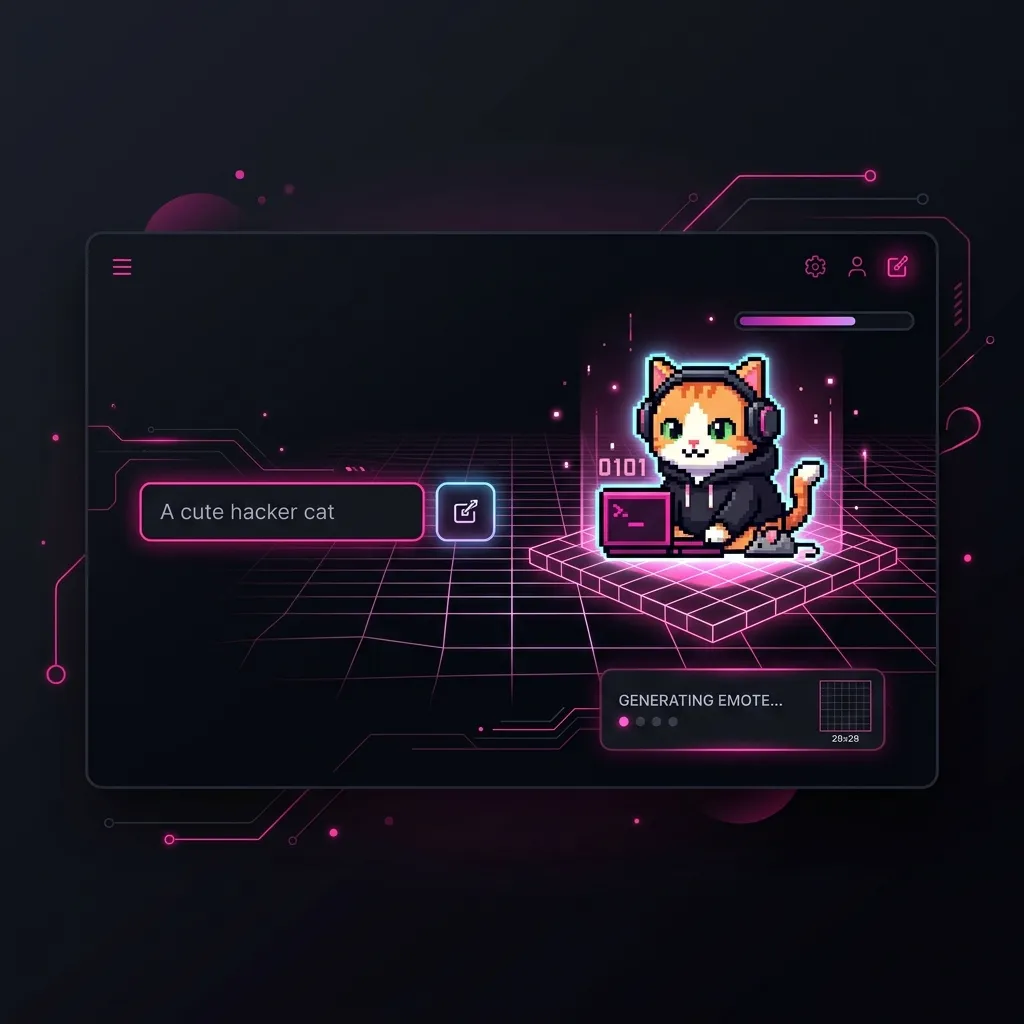
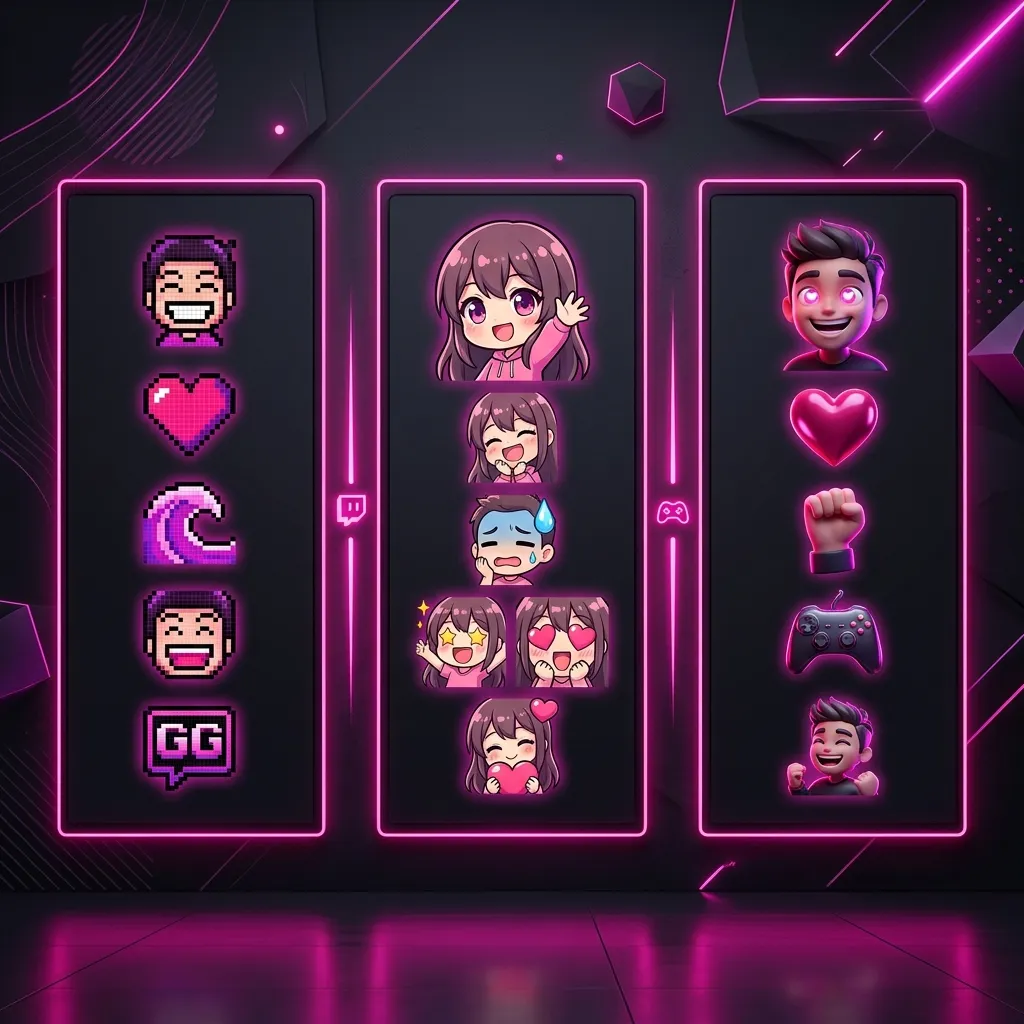
Describe the exact emote you want and let our generative AI model build it from scratch. Choose from pixel art, chibi, or 3D rendering styles.
AI Emote Generator
Describe your emote, choose a style, and let the AI do the rest.
Why You Need a Dedicated AI Twitch Emote Generator
For years, the streaming industry has been gatekept by expensive digital art commissions. New streamers looking to build an audience on platforms like Twitch or Kick were often forced to spend hundreds of dollars and wait weeks just to secure a basic set of five emotes. With the revolutionary advancement of machine learning, an AI Twitch Emote Generator completely dismantles this barrier to entry. You can now type exactly what you want—a cybernetic cat hacking a mainframe, a chibi ninja crying, or a golden crown spinning—and instantly generate professional-grade assets that look like they were painstakingly drawn by a veteran illustrator.
However, not all generative AI models are created equal. If you attempt to use generic, general-purpose models like Midjourney or DALL-E 3 to create chat assets, you will likely be heavily disappointed. Those models are trained to produce highly complex, photorealistic images filled with intricate shadows and micro-details. When a highly detailed 1024x1024 image is squished down to the standard 28x28 pixel size required by Twitch chat, all of that beautiful detail turns into a muddy, illegible, gray blob. This is exactly why utilizing a highly specialized, fine-tuned AI Twitch Emote Generator is absolutely mandatory.
Our free AI Twitch Emote Generator is built differently. It has been explicitly trained on millions of successful, highly readable digital art assets specifically designed for microscopic user interfaces. It inherently understands the necessity of thick black outlines, ultra-high contrast color palettes, flat vector shading, and exaggerated facial expressions. It does not just make art; it makes functional chat tools that your community will spam endlessly.
The Psychology of Emote Spam
To understand why an AI Twitch Emote Generator must be specialized, you must understand the psychology behind why viewers use emotes. When a streamer lands an incredible sniper headshot, the chat moves so quickly that reading text becomes literally impossible. Emotes act as a rapid, visual hive-mind language.
If your "Hype" emote is not instantly readable within a fraction of a millisecond, viewers will not use it. They will default to global platform emotes instead. By using our specialized AI Twitch Emote Generator, the model automatically emphasizes massive cartoon eyes, exaggerated open mouths, and vibrant saturated colors, guaranteeing that your custom art cuts through the noise of a rapidly scrolling chat room.
How Our Free AI Twitch Emote Generator Works
Under the hood, our AI Twitch Emote Generator utilizes a state-of-the-art diffusion model hosted on powerful, dedicated cloud GPU clusters. When you submit a prompt, the system breaks your text down into semantic tokens, runs them through our proprietary artist-trained checkpoints, and begins a denoising process that slowly shapes static noise into a pristine digital illustration.
Unlike other platforms that charge per generation or force you to buy confusing credit packs, our system is currently operating as a free closed beta. We handle the heavy computational lifting on our backend, delivering the final 1024x1024 master file directly to your browser in a matter of seconds. Once generated, you can seamlessly pass the asset into our resizing tools to instantly format it for any major streaming platform.
Mastering Prompt Engineering for Emotes
The secret to unlocking the full potential of an AI Twitch Emote Generator lies entirely in "Prompt Engineering." The model is a powerful tool, but it requires precise, structured instructions to output usable chat assets rather than confusing abstract art. Here is exactly how to structure your text requests.
1. Specify the Art Style
You must explicitly tell the AI Twitch Emote Generator what medium you want it to emulate. If you simply type "a dog," the AI might give you a photograph of a dog, which makes a terrible emote. Instead, you must use highly specific stylistic anchor words.
- "Chibi anime style" - Generates cute, large-headed characters perfect for highly expressive reactions.
- "8-bit pixel art" - Creates nostalgic, blocky assets that look incredible at small chat sizes.
- "Flat vector logo" - Perfect for clean, professional branding and text-based graphics.
- "3D clay render" - Produces a modern, soft aesthetic popularized by recent indie games.
2. Emphasize Exaggerated Expressions
Subtlety does not work in live streaming. A slight smirk will be invisible on a mobile phone screen. When prompting the AI Twitch Emote Generator, use extreme adjectives. Do not type "sad"; type "exaggerated crying, massive tears streaming down face, wide open wailing mouth." Do not type "happy"; type "insanely hyped, glowing red eyes, screaming in excitement." The AI responds beautifully to high-energy descriptors.
3. Force a Clean Background
This is perhaps the most critical rule. Streaming platforms require transparent PNG files. While generative AI models cannot output true alpha-channel transparency yet, you can easily fake it by prompting the AI Twitch Emote Generator with the phrase "on a solid pure white background" or "on a solid chroma key green background." This ensures the model does not draw a distracting forest or messy bedroom behind your character, making it incredibly easy to erase the background with a single click in Photoshop or a free online background remover later.
Creating a Cohesive Brand Identity with AI
One of the biggest challenges creators face when using an AI Twitch Emote Generator is maintaining consistency. If your tier 1 emote is an 8-bit pixel sword, and your tier 2 emote is a hyper-realistic 3D rendered skull, your channel will look like a chaotic, disjointed mess. Professional streamers build cohesive brand identities.
Using Character Sheets and Seed Numbers
To achieve consistency, you should design a core "mascot" for your channel. Use the AI Twitch Emote Generator to establish the base design (e.g., "A chibi red panda wearing a backwards blue baseball cap, flat colors, thick outlines"). Once you get a result you love, use that exact same descriptive prompt, and only change the emotion at the end for your subsequent generations.
For example:
Prompt 1: "A chibi red panda wearing a backwards blue baseball cap... crying and sad."
Prompt 2: "A chibi red panda wearing a backwards blue baseball cap... laughing hysterically."
By keeping 90% of the prompt identical, the AI Twitch Emote Generator is heavily restricted to producing variations of the exact same core character, allowing you to rapidly build out a cohesive 10-slot tier progression in minutes.
Color Palette Restrictions
You can further enforce branding by forcing the AI Twitch Emote Generator to adhere to a strict color scheme. If your entire stream overlay is neon pink and cyan (the classic Synthwave aesthetic), you must include the phrase "Synthwave color palette, strictly neon pink and cyan colors" in every single prompt you submit. The AI will obey this constraint, ensuring that all 20 of your emotes look like they belong to a single, unified premium package.
The Two-Step AI Workflow for Flawless Integration
Generating the image is only the first step. The raw output from an AI Twitch Emote Generator is almost always a 1024x1024 JPEG image with a solid background. You cannot upload this directly to your dashboard; it will be rejected for incorrect formatting and lack of transparency. You must employ a professional two-step workflow.
Step 1: Background Removal
Because you wisely prompted the AI Twitch Emote Generator to use a "solid white background," you can drop the generated image into any free background removal tool (or use the magic wand tool in an image editor). Simply click the white background to delete it, and save the resulting image as a transparent PNG file.
Step 2: Perfect Scaling
Once you have your massive, transparent PNG from the AI Twitch Emote Generator, you must resize it to meet platform limits. Drop the transparent PNG into our free Twitch Emote Resizer or Discord Emoji Resizer. Our tools will instantly crunch the massive AI file down into the mathematically perfect platform dimensions (like 112x112 or 128x128) while preserving the ultra-crisp AI-generated linework.
Legal and Copyright Considerations for AI Art
As AI technology rapidly evolves, so do the legal frameworks surrounding it. Many streamers are rightfully concerned about copyright strikes when using an AI Twitch Emote Generator. While the landscape is shifting, there are established best practices you must follow to protect your channel from DMCA takedowns.
Avoid Trademarked Intellectual Property
The most critical rule when using an AI Twitch Emote Generator is to never prompt it to generate existing, trademarked characters. Do not ask it for "Pikachu crying" or "Mario laughing." If you upload trademarked IP to your Twitch dashboard, you are monetizing someone else's legal property, and you will eventually receive a permanent ban. Always use generic descriptors: "A cute yellow electric mouse" or "An Italian plumber with a mustache."
Commercial Usage Rights
When you generate an asset using our free AI Twitch Emote Generator, you retain full commercial rights to the output. You are free to upload it to Twitch, put it on physical merchandise like t-shirts, or use it in YouTube thumbnails without owing us any royalties. We believe in empowering creators to fully own their brand identity.
Step-by-Step Guide to Using the AI Twitch Emote Generator
Using our proprietary AI Twitch Emote Generator is incredibly straightforward. We have designed the interface to be as intuitive as sending a text message, completely hiding the complex cloud computing infrastructure running behind the scenes.
Step 1: Input Your Prompt
Navigate to the text box at the top of this page. Type out your highly descriptive prompt, remembering to include the art style, the exaggerated emotion, and the request for a solid white background (e.g., "A chibi neon skull laughing hysterically, thick outlines, flat vector colors, on a solid white background").
Step 2: Initiate Generation
Click the "Generate" button. Your request will be securely transmitted to our GPU cluster. Because our AI Twitch Emote Generator utilizes highly optimized, dedicated hardware, the complex diffusion process will typically complete in under 15 seconds. You will see a loading indicator while the AI paints your image.
Step 3: Download and Refine
Once the image appears, simply click the download button. You now possess a 1024x1024 high-resolution master file. Run it through a background remover, drop it into one of our resizing utilities, and upload it directly to your creator dashboard. You have just saved $50 and two weeks of waiting.
Frequently Asked Questions About the AI Twitch Emote Generator
Is the AI Twitch Emote Generator completely free to use?
Yes, during our closed beta phase, the AI Twitch Emote Generator is 100% free to use. We do not require credit cards or subscription fees. However, due to extreme server costs, we may occasionally implement rate limits (e.g., 5 generations per hour) during peak traffic times to ensure the service remains stable for all creators.
Why is my text prompt returning an error?
Our AI Twitch Emote Generator employs a strict NSFW (Not Safe For Work) safety filter. If your prompt contains explicit violence, nudity, or inappropriate themes that violate Twitch's Terms of Service, the model will intercept the request and return an error. Please ensure your prompts remain stream-friendly.
Can the AI generate animated GIF emotes?
Currently, our AI Twitch Emote Generator specializes strictly in high-quality static images. Generating stable, looping, multi-frame animations via AI is a frontier technology that requires exponentially more compute power. We are actively researching video diffusion models and plan to implement animated emote generation in a future platform update.