Free VTube Asset Maker
Upload your PNGTuber artwork below to instantly generate the standard 2000x2000 high-resolution format required by modern VTubing software.
VTube Asset Maker
Generate standard high-resolution (2000x2000) PNGTuber asset states instantly.
Why You Must Use a Dedicated PNGTuber Asset Maker
The VTubing industry has experienced an unprecedented explosion in growth over the last three years, fundamentally shifting how creators interact with their audiences. Within this space, the "PNGTuber" subculture—creators who use 2D reactive images rather than fully rigged 3D or Live2D models—has become incredibly popular due to its low barrier to entry and highly expressive nature. However, a major technical hurdle remains: managing the strict aspect ratios and canvas dimensions required by broadcasting software. This is exactly why utilizing a dedicated PNGTuber Asset Maker is absolutely essential for anyone looking to build a professional, glitch-free digital persona.
If you attempt to load raw illustrations directly from your artist into Veadotube Mini, Discord Reactive Images, or OBS Studio, you will almost immediately encounter a massive problem known as "avatar jitter." This occurs because the different states of your avatar (idle vs. speaking) are not perfectly aligned on an identical, square pixel grid. When the software switches from your idle image to your speaking image, the character will violently snap across the screen. A specialized PNGTuber Asset Maker intercepts this issue by mathematically centering your artwork within a strict, unmoving 2000x2000 pixel bounding box.
Our free PNGTuber Asset Maker completely automates this tedious alignment process. By leveraging advanced HTML5 Canvas rendering in your local browser, it instantly formats all of your avatar states into perfectly matching squares, guaranteeing smooth, flawless transitions during your live broadcasts. It is the ultimate utility for modern virtual creators.
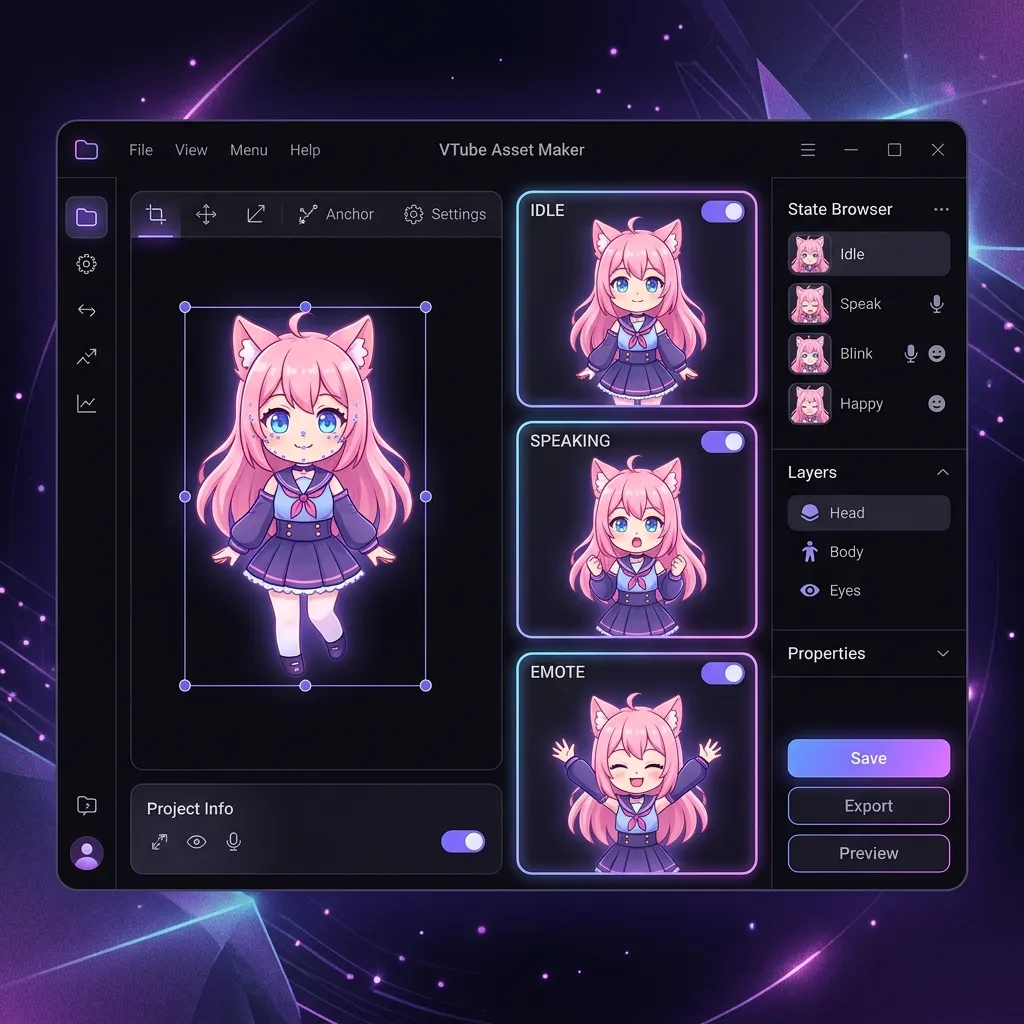
The Jitter Problem Explained
To understand why a PNGTuber Asset Maker is non-negotiable, you must understand how reactive broadcasting software works. Tools like Veadotube Mini operate by layering your images on top of one another and toggling their visibility based on your microphone's audio input levels. When you are quiet, it displays "Image A" (Idle). When you speak, it hides "Image A" and instantly displays "Image B" (Speaking).
The software aligns these images based on their center point. If "Image A" is 800x1200 pixels and "Image B" is 850x1200 pixels (because your character raised their arm while speaking, making the image slightly wider), the true mathematical center of the image has shifted. When the software toggles to the speaking frame, it will align the new, shifted center point to the screen, causing the entire character to physically jerk to the side. A PNGTuber Asset Maker prevents this by forcing both images into an identical 2000x2000 box, ensuring the center point never moves.
This jitter effect is incredibly jarring to viewers and instantly shatters the immersion of your digital persona. It screams "amateur." By strictly adhering to a workflow that utilizes a PNGTuber Asset Maker, you elevate your broadcast quality to match top-tier agency VTubers.
How Our Free PNGTuber Asset Maker Works
Our PNGTuber Asset Maker operates entirely within your local web browser. This means your private, highly valuable, and unreleased avatar artwork is never uploaded to any remote server or third-party database. It uses the native HTML5 Canvas API to read your image data and scale it cleanly, maintaining the alpha channel (transparency) without adding JPEG compression artifacts.
The software functions by capturing the base64 encoded data of your source file, determining its exact dimensions, and then dynamically generating a massive 2000x2000 transparent canvas. It then precisely anchors your original image to the absolute center of this new canvas, locking it in place. This ensures a level of consistency that manual cropping rarely achieves, cementing why a PNGTuber Asset Maker is indispensable.
Mastering the Four Essential PNGTuber States
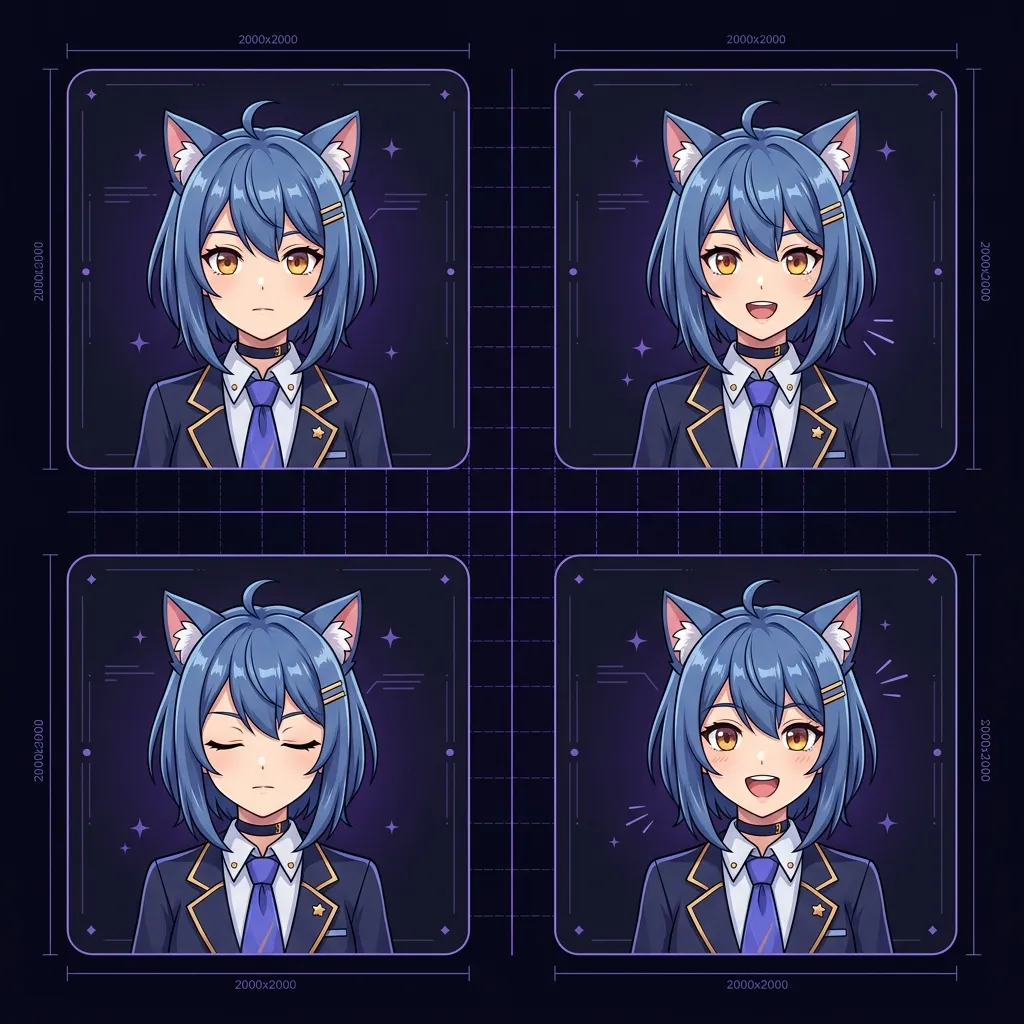
To truly utilize a PNGTuber Asset Maker effectively, you must understand the core mechanics of reactive avatars. A compelling digital persona is not just a single static image; it requires a minimum of four distinct states to accurately convey human emotion and conversation.
1. The Idle Closed State
The "Idle Closed" state is your default resting face. This is the image your viewers will see whenever you are not actively speaking into the microphone. It is the foundation of your character design. When running this file through the PNGTuber Asset Maker, ensure it is perfectly centered, as all other states will be anchored relative to this specific image's position.
2. The Idle Open State
The "Idle Open" state is typically used for subtle, ambient animations when you are not speaking, such as blinking, breathing, or a gentle hair sway. If your software supports automated blinking intervals, this image is crucial. Running it through the PNGTuber Asset Maker ensures that when your avatar blinks, its entire face does not shift downwards due to a misaligned canvas.
3. The Speaking Closed State
The "Speaking Closed" state is highly advanced and separates good PNGTubers from great ones. It is used as an in-between frame during complex, rapid dialogue, or to represent taking a breath between sentences. It adds a massive amount of fluidity to your broadcast. By using a PNGTuber Asset Maker, you guarantee this transition frame snaps perfectly into place without causing visual tearing.
4. The Speaking Open State
The "Speaking Open" state is the primary image triggered when your microphone registers audio input. It usually features an open mouth and slightly raised eyebrows. Because this image toggles on and off hundreds of times per minute during a fast-paced stream, absolute precision is required. The PNGTuber Asset Maker locks this frame exactly where the "Idle Closed" frame sits, creating the illusion of a single, animated character.
Why 2000x2000 is the Golden Standard for a PNGTuber Asset Maker
You might wonder why our PNGTuber Asset Maker specifically forces all images into a massive 2000x2000 pixel bounding box, rather than a smaller size like 500x500. This deliberate engineering decision is based entirely on modern broadcasting resolution standards.
4K Stream Overlays
Modern viewers watch streams on massive 4K monitors and high-density Retina displays. While you might broadcast at 1080p, your local OBS Studio canvas might be rendering at 4K to capture high-fidelity gameplay. If you use a 500x500 avatar, stretching it to fill a corner of a 4K screen will result in horrific, blurry pixels. The PNGTuber Asset Maker generates a massive 2000x2000 master file, ensuring you have an abundance of pixel data to stay razor-sharp, no matter how large you scale your avatar in OBS.
Preserving Delicate Linework
Anime and manga-inspired character designs rely heavily on incredibly thin, delicate linework to define facial features and hair strands. If you crunch the resolution down, those lines disappear entirely. By utilizing a massive 2000x2000 canvas in our PNGTuber Asset Maker, every single brush stroke your artist meticulously crafted is preserved perfectly.
The Technical Science Behind Our PNGTuber Asset Maker
Not all image padding utilities are built the same. When you use massive desktop applications like Adobe Photoshop, you are forced to manually adjust canvas sizes and run tedious batch scripts. Our PNGTuber Asset Maker completely automates this complex technical step by deploying an algorithm specifically tuned for transparent PNGs used in live streaming.
Sub-Pixel Centering Algorithms
When the PNGTuber Asset Maker calculates the difference between your image's raw width and the 2000px target width, it divides that number by two to perfectly center the image. However, if the difference is an odd number, dividing by two yields a fraction (like 7.5 pixels). You cannot render half a pixel on a screen.
Inferior tools will blur the entire image to compensate for this sub-pixel offset. Our PNGTuber Asset Maker utilizes strict integer rounding (Math.floor) to snap the image to the nearest whole pixel. This guarantees that your sharp digital art remains incredibly crisp and avoids the devastating blur introduced by sloppy sub-pixel rendering engines.
Handling Premultiplied Alpha Channels
When adding transparent pixels to an existing PNG file, inferior tools often struggle with "premultiplied alpha" channels. This results in an ugly, thin black or white fringe line appearing exactly where the original image ends and the new transparent padding begins. Our PNGTuber Asset Maker calculates straight alpha values on a pixel-by-pixel basis, ensuring the border transition is completely undetectable.
Top Errors Streamers Face Without a PNGTuber Asset Maker
If you attempt to rapidly upload raw files directly into your broadcasting software without passing them through a dedicated PNGTuber Asset Maker first, you will almost certainly encounter highly frustrating visual glitches that will disrupt your broadcast.
The Infamous Aspect Ratio Squish
Many reactive audio tools demand that all imported images share the exact same aspect ratio. If you upload a tall rectangular idle image and a wide rectangular speaking image, the software will literally squish and stretch the wide image to force it into the tall rectangle's dimensions. Your character's face will widen comically every time you speak. The PNGTuber Asset Maker completely neutralizes this error by forcing every single state into an identical 1:1 square.
Discord Reactive Image Failures
A very popular alternative to Veadotube is using Discord Reactive Images, which pull your avatar directly from a Discord voice call integration. Discord's CSS interface is incredibly strict about avatar dimensions. If your image is not a perfect square, Discord will aggressively crop it, often cutting off your character's hair or props. Running your files through our PNGTuber Asset Maker guarantees Discord will render your entire character flawlessly.
How to Commission Artists for a PNGTuber Asset Maker Workflow
Your PNGTuber Asset Maker is only as good as the raw files you feed into it. When commissioning an artist on Twitter or VGen, you must communicate your technical requirements clearly to ensure a smooth ingestion process.
Requesting High-Resolution Master Files
Always explicitly ask your artist to draw on a high-resolution canvas, ideally 2000x2000 or larger. If they draw your character on a tiny 300x300 canvas, placing it into the 2000x2000 box generated by our PNGTuber Asset Maker will not magically add detail; it will simply result in a tiny character floating in a massive empty void.
The Importance of Uncropped Exports
Many artists will "helpfully" crop the final PNG files to perfectly hug the character's body before sending them to you to save file size. This is a disaster for VTubing. It destroys the central anchor point between the different states. You must explicitly tell your artist: "Please export all states from the exact same canvas size, without cropping." Once you have those raw, uncropped files, you can safely drop them into the PNGTuber Asset Maker to finalize the perfect 2000x2000 squares.
Integrating Third-Party Tools with Your PNGTuber Asset Maker Output
The high-quality output from our PNGTuber Asset Maker is highly compatible with the entire streaming ecosystem. You are not locked into one specific software.
Veadotube Mini Compatibility
Veadotube Mini is currently the gold standard for PNGTuber software. It is incredibly lightweight and responsive. The pristine 2000x2000 pixel files automatically generated by our PNGTuber Asset Maker act as incredible high-resolution master files that can be ingested by Veadotube for flawless rendering. You simply drag the perfectly squared outputs directly into the Veadotube state nodes, and you are immediately ready to broadcast. For official documentation on states, always check the Veadotube Official Site.
OBS Studio Image Masking
Because our PNGTuber Asset Maker outputs a perfect mathematical square, it is incredibly easy to apply custom CSS or Image Masks directly inside OBS Studio. If you want your avatar to be displayed inside a perfect circle, or a rounded rectangle with glowing borders, applying an OBS mask to a 2000x2000 square works flawlessly every single time.
Step-by-Step Guide to Using the PNGTuber Asset Maker
Using our proprietary PNGTuber Asset Maker is incredibly straightforward and built entirely for unprecedented speed. We have intentionally eliminated complex layer setups to provide a seamless, idiot-proof experience.
Step 1: Uploading Your Image
Simply drag and drop your raw, uneven avatar artwork directly into the PNGTuber Asset Maker upload box at the very top of this page. You should process one state at a time (e.g., upload "Idle Closed" first).
Step 2: Instant Client-Side Processing
The exact moment you drop the file, the PNGTuber Asset Maker instantly fires up your browser's WebAssembly and Canvas engine and generates the required massive 2000x2000 format, automatically centering your character.
Step 3: Downloading Your Asset
Click the download button, and you will immediately receive the perfectly squared 2000x2000 pixel version. Repeat this process for your remaining three states. They will now all share the exact same mathematical dimensions and can be imported into your software without any jitter.
Frequently Asked Questions About the PNGTuber Asset Maker
Is the PNGTuber Asset Maker completely free to use?
Yes, our PNGTuber Asset Maker is 100% free forever. There are absolutely no paywalls, no premium subscriptions, and we will never add ugly watermarks to your finalized files. It is a utility built by creators, for the creator community.
Does the resizer compress or ruin the quality of my avatar?
Absolutely not. The PNGTuber Asset Maker is strictly a non-destructive canvas manipulation tool. It does not compress, blur, or destroy a single pixel of your original artwork. It simply builds a larger 2000x2000 transparent box around the existing data.
Are my private unreleased VTuber models saved by corporate servers?
No. Absolute privacy is our core foundational feature. The PNGTuber Asset Maker processes your artwork strictly on your local device hardware using your own CPU and RAM. We literally do not possess a backend database or remote server infrastructure.