Twitch Subscriber Emote Strategy: Building Tiers That Drive Subs
Strategic planning for your Twitch emote slots. Learn how to design emote tiers that incentivize subscriptions, reward loyalty, and build community identity.
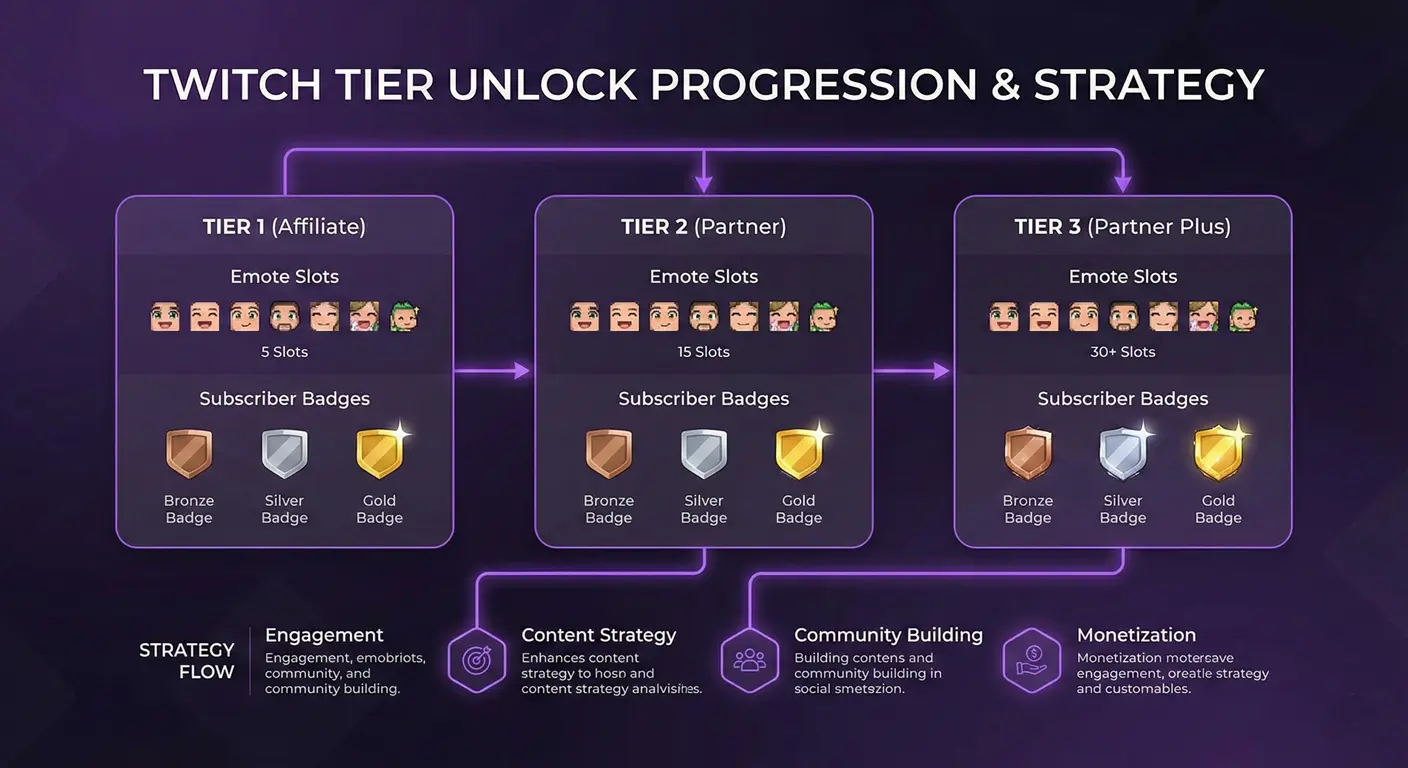
Your subscriber emotes are more than decorations—they're strategic tools for building community and driving subscription revenue. The streamers who understand this create emote progressions that make viewers genuinely excited to subscribe and stay subscribed. Let me share what I've learned about building emote tiers that work.
I've analyzed emote strategies from hundreds of successful streamers, and clear patterns emerge. It's not about having the prettiest emotes; it's about having the right emotes at the right tiers.
Understanding Emote Slot Progression
Before strategizing, know what you're working with. Twitch grants emote slots based on subscriber points:
Affiliates
- Starting: 5 emote slots (unlocked at Affiliate)
- Maximum: 9 emote slots (at 200+ sub points)
- No animated emotes (Partner only)
Partners
- Starting: Based on subscriber count at partnership
- Maximum: 60+ slots (at 10,000+ sub points)
- Animated emotes: Unlocked at specific point thresholds
The Foundation: Your First 5 Emotes
Your initial emote slots need to cover the essentials. These are the emotes every community needs:
Essential Emote Types
- The Love/Hype Emote: Expression your community uses for positive moments. Hearts, celebration, excitement.
- The Laugh/LOL Emote: Reaction for funny moments. Often your most-used emote.
- The Sad/Cry Emote: For losses, sad stories, genuine empathy.
- The Huh/Confused Emote: When something unexpected happens.
- The Signature Emote: Something unique to your brand—a mascot, catchphrase, or inside joke.
Tier 2 and Tier 3 Strategy
Twitch offers Tier 2 ($9.99) and Tier 3 ($24.99) subscriptions. Each tier typically unlocks additional emotes. Use this strategically:
Tier 2 Emotes: The "Enthusiast" Level
These should feel like rewards for members who want more. Ideas:
- Alternate versions of popular Tier 1 emotes
- Emotes featuring inside community jokes
- More expressive or animated versions (if available)
- Collaboration or special event emotes
Tier 3 Emotes: The "VIP" Level
Your most dedicated supporters get the most exclusive emotes:
- Highly detailed or elaborate designs
- Emotes that "flex" Tier 3 status (crowns, special effects)
- Personal or intimate community references
- Animated emotes with more complex animations
Emote Progression Psychology
Smart streamers design emotes to create desire and reward loyalty:
The "Collection" Effect
Create emote sets that feel incomplete if you only have some. If you have "Happy Character" and "Sad Character," viewers naturally want the full emotional range.
Exclusive Inside Jokes
Some of your best emotes should reference moments only regular viewers understand. This creates in-group identity and makes lurkers want to be part of the community.
FOMO Through Limited Editions
Occasional limited-time emotes (holiday themes, event commemoration) drive subscription spikes. People hate missing out on exclusives.
Designing for Spammability
The most successful emotes get spammed. Design for this:
- Clear at 28×28: If you can't instantly recognize it tiny, it won't get used
- Universal utility: The best emotes fit many situations
- Easy to type: Short emote names get used more
- Repetition-friendly: Does it look good in a wall of spam?
When to Update or Replace Emotes
Emotes aren't forever. Here's when to make changes:
Signs an Emote Needs Updating
- It rarely gets used compared to others
- Your brand/art style has evolved
- The reference is outdated or lost meaning
- Quality doesn't match your newer emotes
How to Replace Gracefully
Your community may have emotional attachment to old emotes. Announce changes in advance, explain why, and consider "retiring" vs. deleting—some streamers keep a Retired Emotes album.
Building Community Through Emotes
The best emote strategies involve the community in creation:
- Vote on new emotes: Let subs choose between options
- Community-suggested ideas: Your viewers know what they want to express
- Art contests: Accept community submissions with prizes
- Celebrate together: Unlock milestone emotes as a community achievement
Technical Execution
Once you have your strategy, execution matters. Use our emote resizer tool to ensure every emote meets Twitch's technical requirements. Nothing hurts an emote launch like upload failures due to sizing issues.
Final Thoughts
Your emote strategy should evolve with your community. What works at 100 subs might need rethinking at 1,000. The streamers who grow sustainably treat emotes as an ongoing conversation with their community—not a one-time setup.
Start with the essentials, listen to how your community uses what you create, and iterate. Your emotes will become the visual language of your community.
About the Author
StreamEmote Team
Written by the StreamEmote Team — developers and content creators dedicated to helping streamers succeed. We've processed hundreds of thousands of emotes and share our expertise to help you create the best content for your channel.
Learn more about us →Ready to Resize Your Emotes?
Use our free tool to create perfectly sized emotes for Twitch, Kick, and Discord. No watermarks, no uploads—your images never leave your device.
Try the Emote Resizer →Related Articles
Complete Twitch Emote Size Guide for 2026: Everything Streamers Need to Know
Master Twitch emote requirements with our comprehensive 2026 guide. Learn exact pixel dimensions (28x28, 56x56, 112x112), file formats, optimization tips, and common mistakes to avoid.
How to Create Animated Twitch Emotes: The Complete 2026 Guide
Learn to create smooth, engaging animated Twitch emotes that meet all requirements. Covers GIF optimization, frame rates, file size tricks, and recommended software.