Free Emote Templates and Resources for Twitch Streamers
Collection of free emote templates, design resources, and tools for creating Twitch emotes. Includes PSD templates, Procreate files, and beginner-friendly guides.
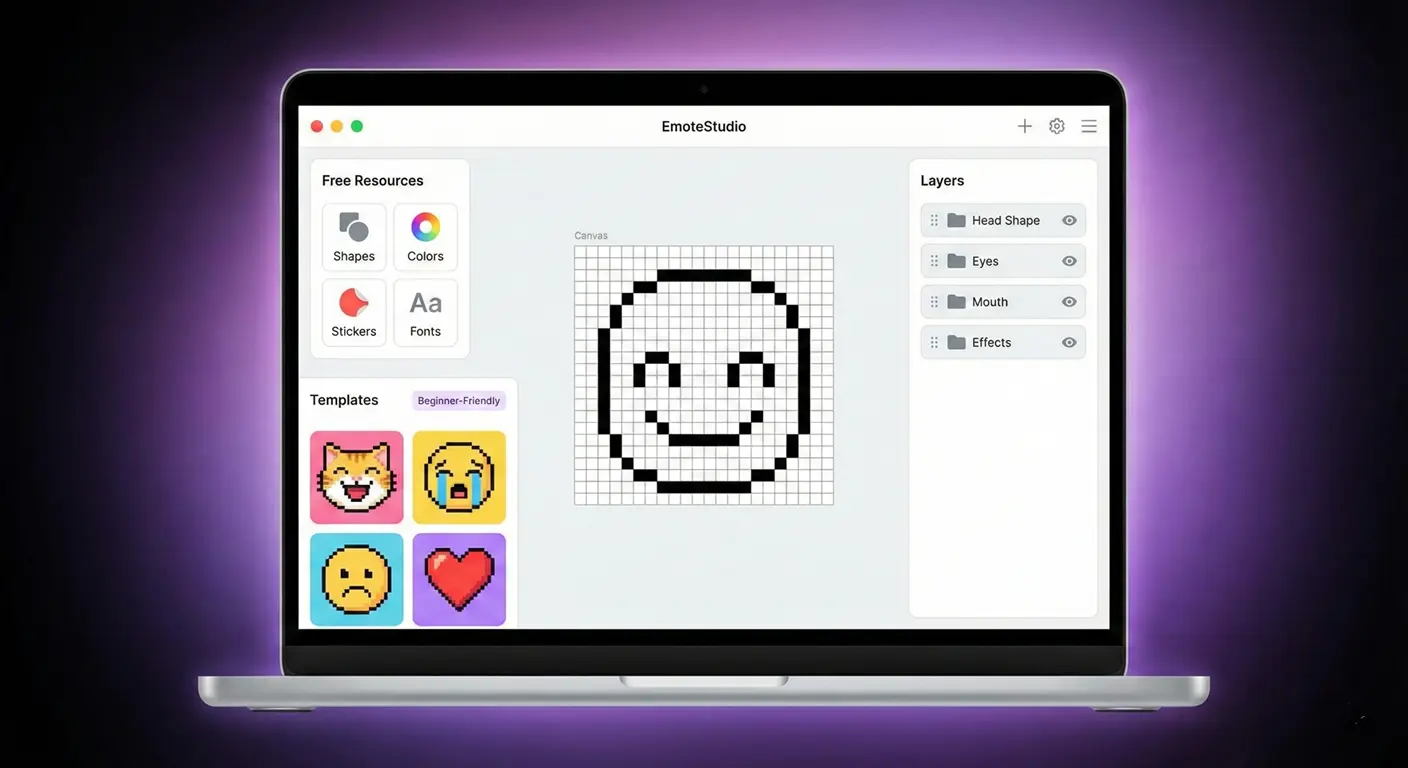
Not every streamer can afford to commission custom emotes, and not everyone has illustration skills. But that doesn't mean you're stuck with boring default emotes. There's a wealth of free resources out there—if you know where to look.
I've curated the best free emote resources I've found over the years. Whether you're looking for templates to customize, inspiration galleries, or free-to-use designs, this guide has you covered.
Understanding Emote Templates
Emote templates come in several forms:
- Base templates: Customizable character bases you modify with colors, expressions, accessories
- Layer templates: PSD/Procreate files with organized layers for easy editing
- Size templates: Pre-sized canvases with guides for Twitch requirements
- Style guides: Instructions and examples for creating your own
Free Template Sources
Canvas Templates
Start with properly sized canvases:
- Our tool: Use StreamEmote to resize any source image to exact Twitch dimensions
- Photoshop templates: Many artists share free PSDs with emote grid layouts
- Canva: Pre-made streaming asset templates including emote bases
Customizable Character Templates
Several artists offer free base templates:
- DeviantArt has numerous free-to-use emote bases (check each artist's terms)
- Twitch artist communities on Discord often share freebies
- Some Fiverr artists offer free sample templates to attract clients
Emoji and Icon Sources
Free icon libraries can be adapted for emote use:
- Twemoji: Twitter's open-source emoji set
- OpenMoji: Open-source emoji project
- Icons8: Some free icons with attribution
Note: Always check licensing. Some require attribution, some prohibit commercial use.
Free Design Tools
For Creating from Scratch
- GIMP: Free Photoshop alternative with full layer support
- Krita: Free painting software, great for digital art
- Photopea: Browser-based Photoshop clone, completely free
- Canva: Easy drag-and-drop design with free tier
For Animation
- ezgif.com: Create and edit GIFs online for free
- Piskel: Free pixel art animation tool
- OpenToonz: Professional-grade free animation software
Design Tips for Using Templates
Customize Meaningfully
Don't just use a template as-is. Add your brand colors, unique details, or personal touches. Templates should be starting points.
Test at All Sizes
Whatever source you use, always test the final result at 28×28 pixels. Many beautiful designs become unreadable at actual chat size.
Maintain Consistency
If using multiple templates or sources, aim for visual consistency. Same line weights, similar styles, matching color palettes.
Learning Resources
Tutorials
- YouTube has extensive emote design tutorials from professional artists
- Pinterest boards curate emote design inspiration
- Our emote design tips guide covers the fundamentals
Communities
- Reddit: r/Twitch and r/streaming for advice and feedback
- Discord: Streaming communities often have art-help channels
- Twitter: Follow emote artists and engage with the community
From Template to Upload
Once you've created or customized your emote:
- Export at highest quality available
- Use our StreamEmote resizer to generate all three required sizes
- Verify each size looks clear and readable
- Upload to Twitch via your Creator Dashboard
When to Invest in Custom Work
Free resources are great for starting out, but consider commissioning custom emotes when:
- You've reached Affiliate and have consistent viewers
- Your brand identity is established enough to guide an artist
- Subscribers are asking for better emotes
- You want emotes that are uniquely yours
Final Thoughts
Free resources can absolutely get you started with emotes. Many successful streamers used templates and free tools early on before investing in custom work.
The key is making whatever you use feel like yours. Customize colors, add personal touches, and ensure everything fits your brand. Your community cares more about having unique expressions than having expensive art.
About the Author
StreamEmote Team
Written by the StreamEmote Team — developers and content creators dedicated to helping streamers succeed. We've processed hundreds of thousands of emotes and share our expertise to help you create the best content for your channel.
Learn more about us →Ready to Resize Your Emotes?
Use our free tool to create perfectly sized emotes for Twitch, Kick, and Discord. No watermarks, no uploads—your images never leave your device.
Try the Emote Resizer →Related Articles
Complete Twitch Emote Size Guide for 2026: Everything Streamers Need to Know
Master Twitch emote requirements with our comprehensive 2026 guide. Learn exact pixel dimensions (28x28, 56x56, 112x112), file formats, optimization tips, and common mistakes to avoid.
How to Create Animated Twitch Emotes: The Complete 2026 Guide
Learn to create smooth, engaging animated Twitch emotes that meet all requirements. Covers GIF optimization, frame rates, file size tricks, and recommended software.