How to Commission Twitch Emotes: Finding Artists and Getting Great Results
Learn how to hire emote artists, what to expect pricing-wise, how to communicate your vision, and avoid common commissioning mistakes. Tips from years of experience.
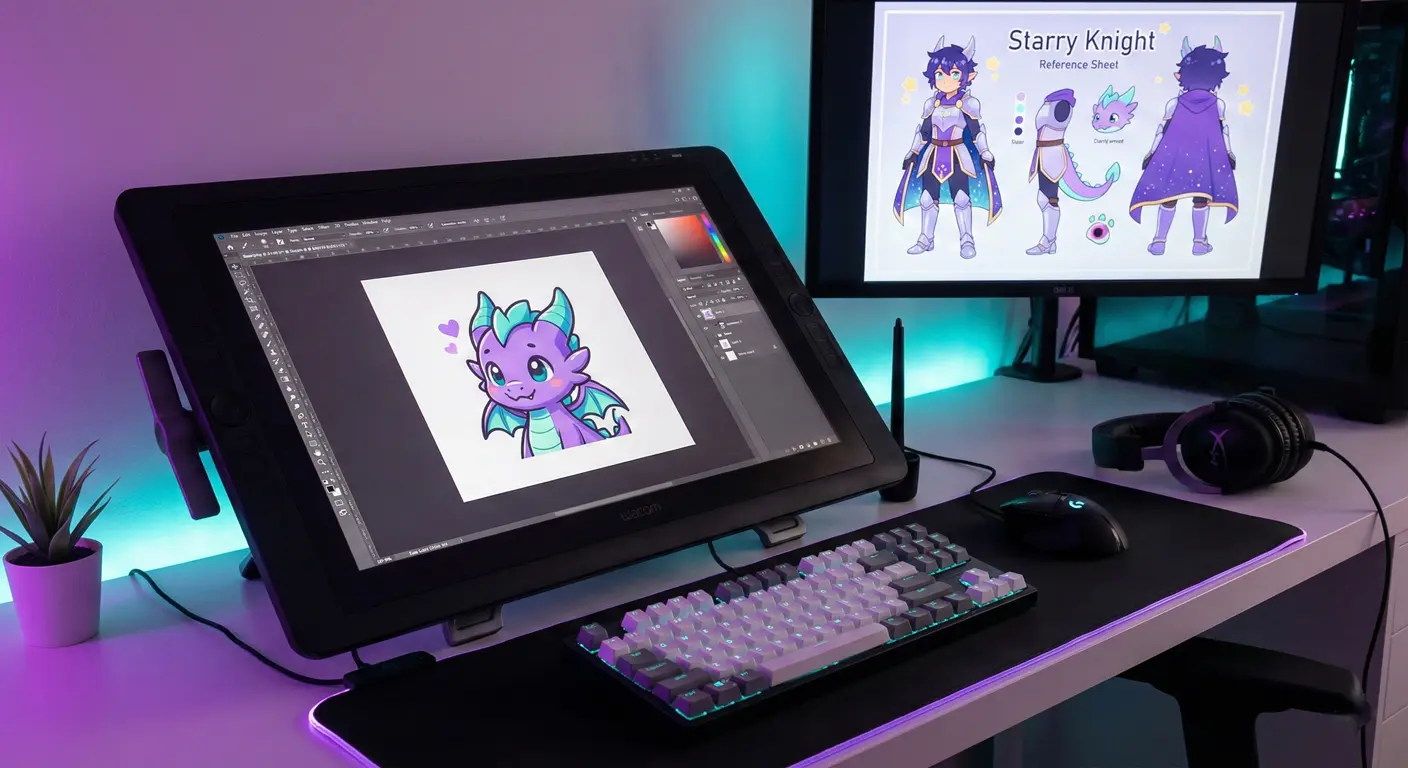
Not everyone has the artistic skills to create their own emotes—and that's perfectly okay. Some of the best emotes on Twitch come from professional emote artists who specialize in this exact medium. But commissioning emotes can be intimidating if you've never done it before. How do you find good artists? What should you pay? How do you communicate what you want?
I've been on both sides of emote commissions—as a client and advising artists—and I've seen what makes the process go smoothly versus what leads to frustration. This guide shares everything I've learned.
Where to Find Emote Artists
Twitter/X
The streaming community is incredibly active on Twitter. Search hashtags like #emoteartist, #twitchemotes, #emoteart, and #commissionsopen. Artists regularly post their portfolios and availability. Follow artists whose style you like, even if they're not currently accepting commissions—they'll announce when slots open.
Fiverr
Fiverr has thousands of emote artists at various price points. The platform's review system helps you gauge quality, and the built-in payment protection gives peace of mind. Start by searching "twitch emotes" and filter by reviews and price.
Discord Servers
Many streaming Discord communities have channels for artist promotion. These are great places to find artists who specifically understand the streaming world and emote requirements.
Subreddits like r/HungryArtists and r/artcommissions have artists posting their services. The community is generally helpful, and you can often find experienced emote artists.
Ko-fi and Carrd
Many artists maintain commission info pages on these platforms. If you find an artist on Twitter whose style you like, check their bio for commission links.
Understanding Pricing
Emote pricing varies wildly, and for good reason. Here's a general breakdown of what to expect:
Budget Tier ($10-30 per emote)
Newer artists building their portfolios, or artists from countries with lower costs of living. Quality can range from okay to surprisingly good. Review portfolios carefully—there are hidden gems in this tier.
Mid-Range ($30-75 per emote)
Experienced emote artists with established portfolios. This is where most streamers land. You'll get professional quality, clear communication, and reliable delivery.
Premium ($75-200+ per emote)
Top-tier artists with extensive portfolios, often booked months in advance. Their work tends to be exceptional, with unique styles and meticulous attention to detail at small sizes.
What Affects Price?
- Complexity: Simple expressions cost less than detailed characters
- Animation: Animated emotes typically cost 2-4x more than static
- Number of sizes: Some artists charge per size, others include all three
- Revisions: Unlimited revisions usually means higher base price
- Rush orders: Need it fast? Expect to pay 25-50% more
How to Communicate Your Vision
This is where many commissions go wrong. The clearer you communicate, the better results you'll get.
Create a Reference Sheet
Gather visual references showing what you want. Include:
- Your existing branding (logos, colors, fonts)
- Reference images for any characters
- Examples of other emotes in styles you like
- Color palette you want to use
Be Specific About Expressions
Instead of saying "happy emote," describe what you're imagining: "Closed eyes, wide open smile, like celebrating a win." The more specific, the fewer revision rounds you'll need.
Explain the Use Case
Tell the artist when and how chat will use this emote. "This is for when something surprising happens on stream" gives context that helps the artist nail the expression.
Share Examples
Reference specific emotes that have the vibe you want. "I love how this one exaggerates the expression" or "This color palette works well at small sizes."
The Commission Process: What to Expect
Step 1: Initial Contact
Reach out with a clear description of what you want, how many emotes, your timeline, and confirm you've read their TOS/pricing. Artists appreciate clients who've done their homework.
Step 2: Quote and Agreement
The artist will provide a quote based on your requirements. Once agreed, expect to pay a deposit (usually 50%) upfront.
Step 3: Sketches
You'll receive rough sketches for approval. This is the time for major changes—adjusting poses, expressions, composition. Sketches are quick to modify; finished pieces aren't.
Step 4: Lineart/Color Flats
After sketch approval, the artist moves to cleaner lines and base colors. Minor adjustments are still possible here.
Step 5: Final Render
The finished piece with shading, details, and polish. At this stage, only small tweaks should be needed.
Step 6: Delivery and Final Payment
You'll receive the final files (usually PNG at all three sizes), pay the remaining balance, and the commission is complete.
Red Flags to Watch For
Not all artists are reliable. Here's what should make you pause:
- No portfolio: You should be able to see previous emote work
- Extremely low prices: If it seems too good to be true, it might be traced or stolen work
- No contract or TOS: Professional artists have clear terms
- Refusing references: Good artists want reference material
- Demanding full payment upfront: Standard is 50% deposit
- Very new accounts: Especially on platforms like Fiverr, check account age and history
Making the Most of Your Commission
Order Sets, Not Singles
Most artists offer discounts for multiple emotes. A set of 5-6 emotes is often cheaper per-emote than ordering individually.
Plan for Consistency
If you're building an emote collection over time, stick with one artist or find artists with similar styles. Mismatched emote styles look unprofessional.
Get Source Files When Possible
Some artists will provide PSD/Procreate files for an additional fee. This allows future modifications without starting from scratch.
Build Relationships
Found an artist you love? Become a repeat client. You'll often get priority booking, discounts, and better communication as they learn your preferences.
After the Commission: Resizing
Some artists deliver at all three Twitch sizes (28×28, 56×56, 112×112). Others deliver at one size and leave resizing to you. If you receive only one size, our StreamEmote resizer will generate all required sizes with high-quality downscaling.
Final Thoughts
Commissioning emotes is an investment in your channel's brand. Good emotes become iconic—the visual shorthand your community uses to express themselves. Taking time to find the right artist and communicate clearly pays dividends for years.
Start with a small commission to test the waters with a new artist. If you love the results, you've found a creative partner for the long term.
About the Author
StreamEmote Team
Written by the StreamEmote Team — developers and content creators dedicated to helping streamers succeed. We've processed hundreds of thousands of emotes and share our expertise to help you create the best content for your channel.
Learn more about us →Ready to Resize Your Emotes?
Use our free tool to create perfectly sized emotes for Twitch, Kick, and Discord. No watermarks, no uploads—your images never leave your device.
Try the Emote Resizer →Related Articles
Complete Twitch Emote Size Guide for 2026: Everything Streamers Need to Know
Master Twitch emote requirements with our comprehensive 2026 guide. Learn exact pixel dimensions (28x28, 56x56, 112x112), file formats, optimization tips, and common mistakes to avoid.
How to Create Animated Twitch Emotes: The Complete 2026 Guide
Learn to create smooth, engaging animated Twitch emotes that meet all requirements. Covers GIF optimization, frame rates, file size tricks, and recommended software.