Emote Naming Conventions: Best Practices for Twitch, Discord & Kick (2025)
Master emote naming with proven conventions. Learn prefix strategies, naming rules for each platform, and how to create memorable emote names your community will use.
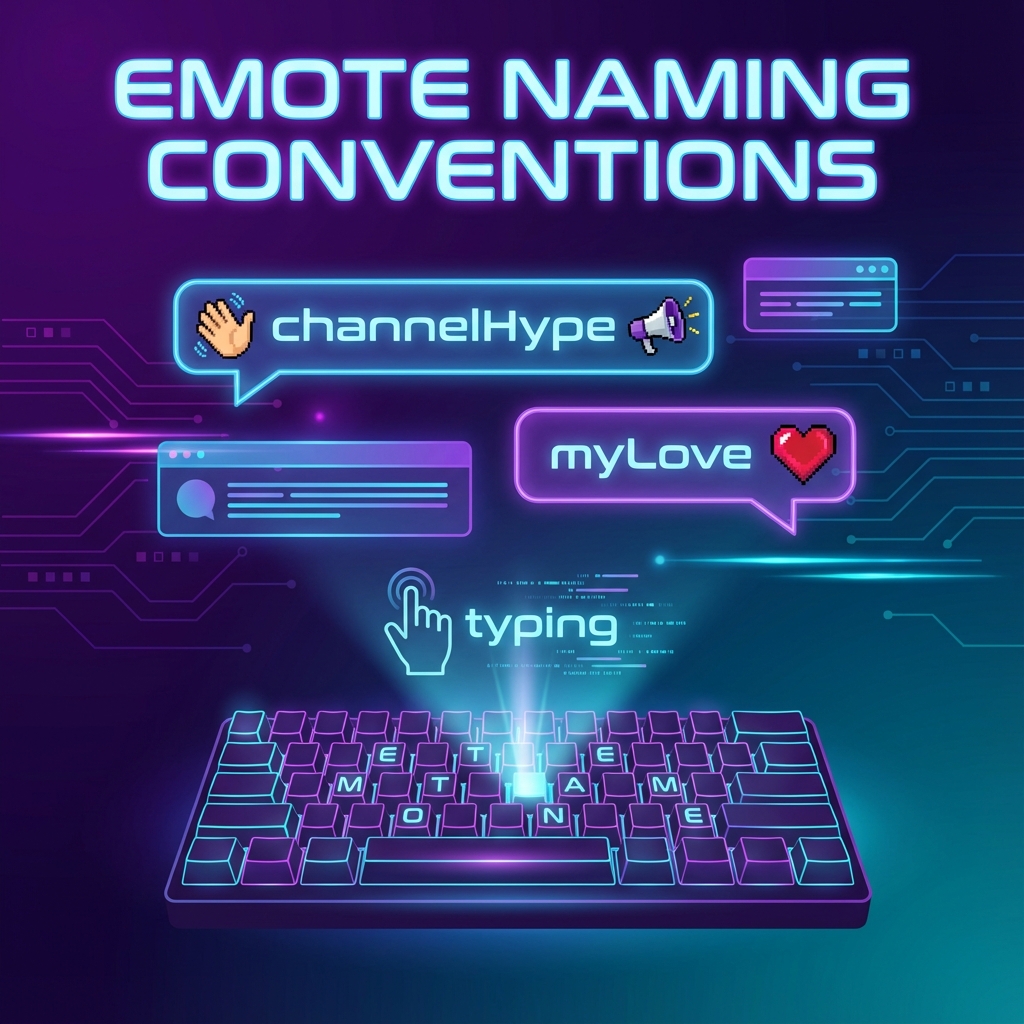
A great emote with a terrible name is a wasted emote. Naming conventions might seem trivial, but they determine whether your emotes get used constantly or forgotten. Get it right, and your emotes become part of your community's language. Get it wrong, and even great designs gather dust.
After seeing how emotes perform across thousands of channels, clear patterns emerge about what works and what doesn't. Here's how to name your emotes for maximum impact.
Platform-Specific Naming Rules
Twitch
- Character limit: 2-25 characters
- Allowed characters: Letters (a-z, A-Z), numbers (0-9), underscores (_)
- Case sensitive: Yes (myEmote and MyEmote are different)
- Prefix requirement: Each emote must start with a unique prefix tied to the channel
- No spaces: Use camelCase or underscores
Discord
- Character limit: 2-32 characters
- Allowed characters: Letters, numbers, underscores
- Case sensitive: No (discord lowercases internally)
- No prefix needed: Server-specific already
Kick
- Character limit: 2-20 characters
- Allowed characters: Alphanumeric and underscores
- Similar to Twitch: Familiar conventions apply
The Prefix Strategy (Twitch)
On Twitch, every channel emote needs a unique prefix. This isn't optional—it's how the system distinguishes your "Hype" from every other channel's "Hype."
Common Prefix Approaches
Channel Name
Use your channel name or abbreviation:
- ninja + Hype = ninjaHype
- DrDisrespect + Rage = docRage
Custom Brand Tag
Create a short, unique tag:
- xqc + L = xqcL
- pog + Champion = pogChamp (before it became global)
Abbreviated Name
Shorten to 2-4 characters:
- TimTheTatman → tim
- Pokimane → poki
Prefix Best Practices
- Keep it short: 2-5 characters is ideal
- Make it memorable: Should be easy to type and remember
- Be consistent: Every emote uses the same prefix
- Check availability: Ensure no global emotes use your prefix
The Suffix: Describing the Emotion
The suffix describes what the emote does. This is where descriptive naming helps:
Common Emotion Suffixes
| Emotion | Common Suffixes |
|---|---|
| Happy/Excited | Hype, Pog, Dance, Party, Vibe |
| Sad/Upset | Cry, Sad, Pain, Oof, F |
| Laughing | LOL, LUL, Laugh, KEKW, Dead |
| Love | Love, Heart, Cute, UwU, Simp |
| Angry | Rage, Mad, Scream, Yell |
| Shocked | Shock, Gasp, Omg, Stare |
| Sleepy | Sleep, Zzz, Tired, Bed |
| Greeting | Hi, Wave, Hey, Yo |
Naming Patterns That Work
Pattern 1: PrefixEmotion
The most common and reliable pattern:
- channelHype
- channelLove
- channelSad
Pattern 2: PrefixAction
For action-based emotes:
- channelDance
- channelWave
- channelSip
Pattern 3: PrefixMeme
For inside jokes or community references:
- channelPepega
- channelMonka
- channelSmug
Common Naming Mistakes
Too Long
Nobody wants to type "myChannelNameExcitedHappyDance" in chat. Aim for 10-15 characters total, including prefix.
Too Cryptic
If people can't guess what "xq7zB" means, they won't use it. Names should hint at the emote's purpose.
Inconsistent Capitalization
Pick camelCase or PascalCase and stick with it across all emotes:
- ✓ channelHype, channelLove, channelSad
- ✗ channelHype, ChannelLove, channelsad
Numbers Instead of Words
Unless your brand specifically uses numbers, avoid "channel1", "channel2" naming. It's not descriptive.
Making Emotes Memorable
Use Familiar References
Building on existing emote culture helps adoption:
- channelW (plays on xqcL pattern)
- channelPog (universally understood)
- channelPepe (familiar meme reference)
Create Signature Terms
Some channels create unique terms that become community language:
- A unique greeting only your community uses
- An inside joke reference
- A channel-specific expression
Keep Core Emotes Simple
Your most-used emotes should have the shortest, simplest names. Save creative names for special occasion emotes.
Organizing Your Emote Names
As your channel grows, you'll have many emotes. Planning helps:
Create Categories
- Reactions: channelHype, channelSad, channelLove
- Actions: channelDance, channelWave, channelSip
- Expressions: channelSmug, channelStare, channelBlush
- Community: channelHello, channelGG, channelBye
Document Your Naming Convention
Write down your rules so future emotes stay consistent. Share with any artists you commission.
Cross-Platform Consistency
If you use emotes on Twitch, Discord, Kick, and YouTube, try to keep names consistent when possible:
- Same prefix across platforms (when allowed)
- Same suffix describing the emotion
- Similar enough that community members recognize them anywhere
This builds brand recognition and helps your community feel at home on any platform.
Final Thoughts
Good emote names are invisible—they just feel right. Bad emote names create friction every time someone tries to use them. Invest time upfront in a consistent naming convention, and your community will adopt your emotes naturally.
Remember: short, descriptive, consistent. Master those three principles, and your emote names will serve your community well.
Once your naming is sorted, use StreamEmote to resize your designs for every platform—properly named, properly sized, ready for your community.
About the Author
StreamEmote Team
Written by the StreamEmote Team — developers and content creators dedicated to helping streamers succeed. We've processed hundreds of thousands of emotes and share our expertise to help you create the best content for your channel.
Learn more about us →Ready to Resize Your Emotes?
Use our free tool to create perfectly sized emotes for Twitch, Kick, and Discord. No watermarks, no uploads—your images never leave your device.
Try the Emote Resizer →Related Articles
Complete Twitch Emote Size Guide for 2026: Everything Streamers Need to Know
Master Twitch emote requirements with our comprehensive 2026 guide. Learn exact pixel dimensions (28x28, 56x56, 112x112), file formats, optimization tips, and common mistakes to avoid.
How to Create Animated Twitch Emotes: The Complete 2026 Guide
Learn to create smooth, engaging animated Twitch emotes that meet all requirements. Covers GIF optimization, frame rates, file size tricks, and recommended software.