Emote File Size Optimization: Getting Under Twitch Size Limits
Struggling with emote file sizes? Learn compression techniques, format selection, and tools to get your emotes under Twitch 1MB and animated 1MB limits without quality loss.
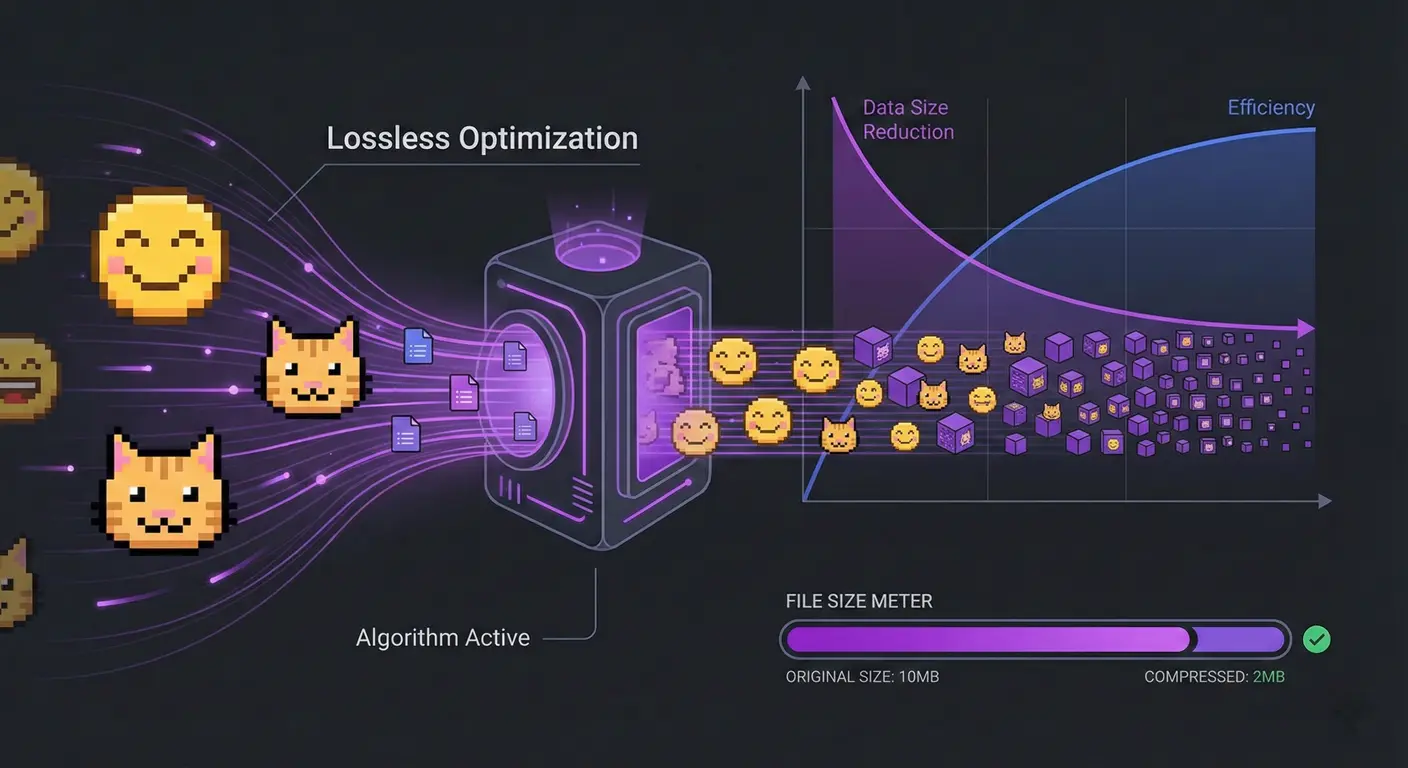
You've created the perfect emote. It looks amazing. You go to upload it to Twitch and... rejected. File too large. This is one of the most frustrating experiences for emote creators, but it's fixable. Let me share the techniques that actually work for getting file sizes under control.
I've helped countless streamers solve file size issues, and the solution is rarely just "lower the quality." There are smarter ways to optimize.
Understanding File Size Limits
Twitch Requirements
- Static emotes: Maximum 1 MB per file
- Animated emotes: Maximum 1 MB per file
- All formats: PNG for static, GIF for animated
Why File Size Matters Beyond Limits
Smaller files also mean faster loading for viewers, especially on mobile or slower connections. Oversized emotes can cause chat lag.
Static Emote Optimization
Color Reduction
Most emotes don't need millions of colors. Reducing to a 256-color palette often produces visually identical results at a fraction of the size.
PNG Compression Tools
- TinyPNG/TinyJPG: Web-based, excellent results
- ImageOptim (Mac): Local app, multiple algorithms
- PNGGauntlet (Windows): Aggressive but quality-preserving compression
- Squoosh.app: Google's browser-based optimizer with live preview
Metadata Stripping
Images often contain hidden metadata that adds file size. Strip EXIF data, color profiles, and other metadata you don't need.
Animated Emote Optimization
Animated emotes are where people really struggle. GIF is an ancient format with limitations, but there are ways to work within them.
Frame Rate Reduction
Most animations work fine at 10-15 fps. You rarely need 24+ fps for a tiny emote. Halving frame rate roughly halves file size.
Color Palette Limits
GIF supports maximum 256 colors per frame. Reduce to 64 or even 32 colors if your design allows. Flat, cartoon styles compress much better than detailed shading.
Animation Simplification
- Fewer frames: Can you communicate the motion in 6 frames instead of 12?
- Smaller motion: Subtle animations compress better than full-screen motion
- Static backgrounds: Only animate what needs to move
GIF Optimization Tools
- ezgif.com: Comprehensive online GIF toolkit
- gifsicle: Command-line tool, extremely powerful
- Photoshop: "Save for Web" with optimization settings
Optimization Workflow
Here's my recommended process:
- Create at target dimensions: Don't resize down from huge source files
- Optimize colors first: Reduce palette before any compression
- Apply lossy compression: Only if lossless isn't enough
- Strip metadata: Final cleanup step
- Verify quality: Always preview at actual display size
When Optimization Isn't Enough
Sometimes you need to redesign rather than optimize:
- Simplify gradients: Use flat colors or fewer gradient steps
- Remove small details: They're invisible at 28×28 anyway
- Reduce animation complexity: Simpler loops, fewer moving elements
- Consider a static version: Sometimes the animated concept just doesn't work within limits
Format Considerations
PNG vs JPG for Static
Always use PNG for emotes. JPG compression creates artifacts that look terrible at small sizes and doesn't support transparency.
GIF Limitations
GIF only supports 256 colors and has limited compression. For complex animations, you may need to accept some quality loss or simplify the design.
Using StreamEmote for Optimization
Our emote resizer automatically applies quality-preserving compression when generating your emote sizes. The files we produce are optimized for Twitch's requirements right out of the box.
Final Thoughts
File size optimization is part art, part science. Start with the techniques that preserve quality (lossless compression, metadata removal) before resorting to quality-reducing methods.
And remember: if you're consistently hitting file size limits, that might be feedback that your designs are too complex for the emote medium. The best emotes are simple enough to read at tiny sizes—and simple designs naturally have smaller file sizes.
About the Author
StreamEmote Team
Written by the StreamEmote Team — developers and content creators dedicated to helping streamers succeed. We've processed hundreds of thousands of emotes and share our expertise to help you create the best content for your channel.
Learn more about us →Ready to Resize Your Emotes?
Use our free tool to create perfectly sized emotes for Twitch, Kick, and Discord. No watermarks, no uploads—your images never leave your device.
Try the Emote Resizer →Related Articles
Complete Twitch Emote Size Guide for 2026: Everything Streamers Need to Know
Master Twitch emote requirements with our comprehensive 2026 guide. Learn exact pixel dimensions (28x28, 56x56, 112x112), file formats, optimization tips, and common mistakes to avoid.
How to Create Animated Twitch Emotes: The Complete 2026 Guide
Learn to create smooth, engaging animated Twitch emotes that meet all requirements. Covers GIF optimization, frame rates, file size tricks, and recommended software.