Discord Emote Size Guide: Server Emojis and Stickers Explained
Complete guide to Discord emoji sizes for server owners. Learn the requirements for static emojis (128x128), animated emojis, and stickers with optimization tips.
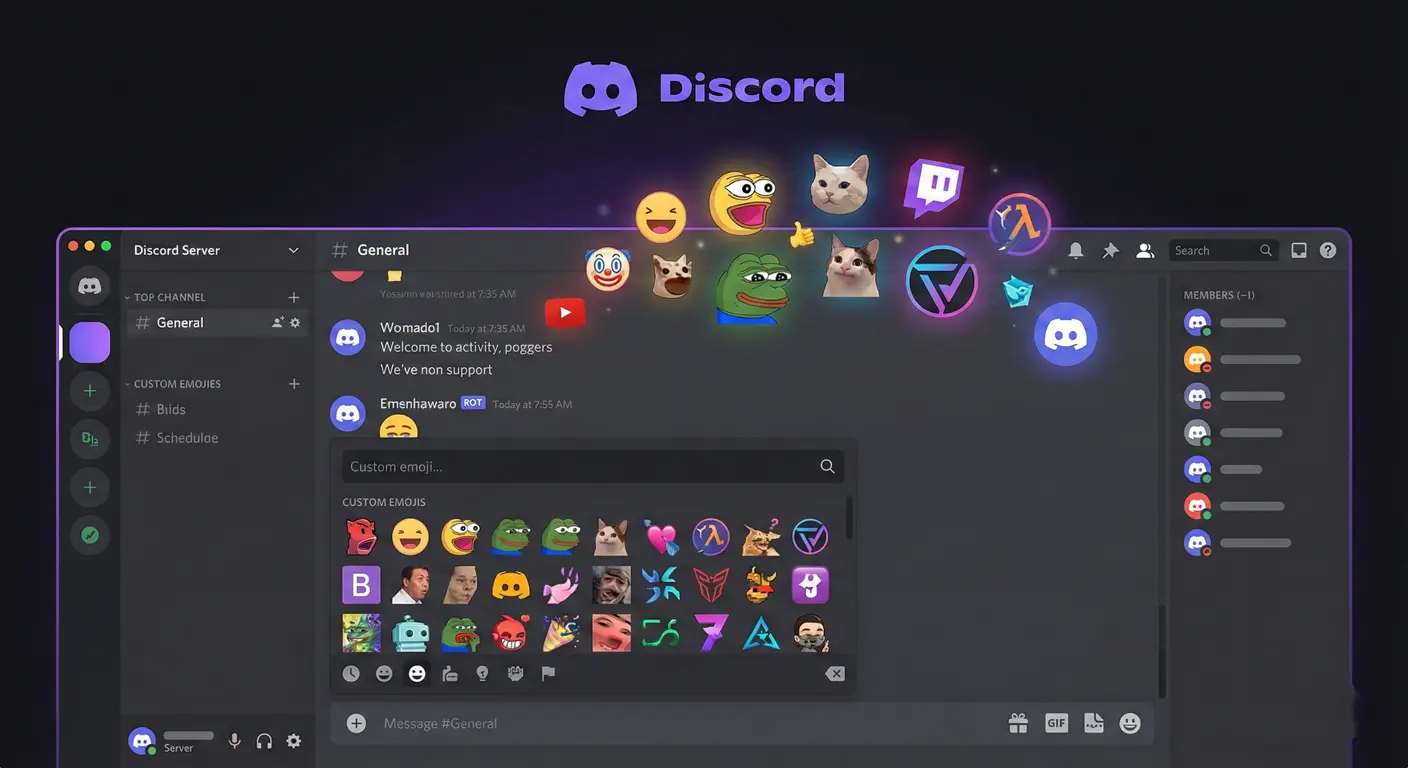
Discord has become the heartbeat of gaming communities, and custom emojis are a huge part of what makes each server unique. But getting those emojis to look crisp and upload without issues? That's where many server owners hit roadblocks. Let me walk you through everything I've learned about Discord emoji sizes—the stuff that actually matters when you're trying to make your server stand out.
I remember the first time I tried uploading custom emojis to my Discord server. I had these beautiful designs I'd worked on for hours, and half of them either got rejected or looked like pixelated messes. Turns out, I was making every mistake in the book. Let's make sure you don't repeat my early failures.
Discord Emoji Size Requirements: The Basics
Discord is pretty straightforward about what it wants—but the devil's in the details.
Static Emoji Requirements
- Dimensions: Up to 128×128 pixels (Discord will resize to 32×32 for display)
- File format: PNG, JPG, or GIF
- Maximum file size: 256 KB
- Recommended: PNG with transparency at exactly 128×128
Here's what trips people up: Discord displays emojis at 32×32 in most contexts, but it wants you to upload at 128×128. Why? Because Discord scales down for display, and starting with a higher-resolution source gives better results on high-DPI displays and when users zoom in.
Animated Emoji Requirements
- Dimensions: Up to 128×128 pixels
- File format: GIF only
- Maximum file size: 256 KB (this is the tricky part)
- Frame limit: No official limit, but more frames = larger file
The 256 KB limit for animated emojis is where most people struggle. A smooth 2-second animation at 128×128 can easily hit 500+ KB if you're not careful. We'll cover optimization strategies below.
Discord Sticker Requirements
Stickers are different from emojis—they're larger, more expressive, and have their own set of rules:
- Dimensions: 320×320 pixels exactly
- File format: PNG or APNG (animated)
- Maximum file size: 512 KB for both static and animated
- Recommended: APNG format for animations (better quality than GIF)
The jump to 320×320 gives you much more room for detail than emojis. Stickers are meant to be standalone expressions, so they can—and should—be more elaborate.
Why 128×128 Matters (Even Though Display is 32×32)
I get asked this a lot: "If Discord shows emojis at 32×32, why upload at 128×128?" Great question.
High-DPI Display Support
Modern monitors, especially on phones and Macs, have high pixel density displays. A 32×32 image would look blurry on a Retina display. By uploading at 128×128, Discord can serve appropriately sized versions to different devices.
Reaction Previews
When you hover over a reaction or view emoji details, Discord shows a larger preview. Your 128×128 source looks sharp there.
Future-Proofing
Discord periodically updates how emojis display. Starting with higher resolution means your emojis won't need re-uploading if Discord increases display sizes.
Server Tiers and Emoji Slots
How many custom emojis you can have depends on your server's boost level:
- No boosts (Level 0): 50 static emoji slots, 0 animated
- Level 1 (2 boosts): 100 static + 50 animated slots
- Level 2 (7 boosts): 150 static + 100 animated slots
- Level 3 (14 boosts): 250 static + 250 animated slots
Plan your emoji strategy around your server's boost level. If you're at Level 0, prioritize your most essential static emojis.
Optimization Tips for Discord Emojis
For Static Emojis
- Use PNG format: It supports transparency and compresses cleanly
- Reduce colors if possible: A 32-color palette often looks identical to 256 colors at emoji size
- Remove metadata: Strip EXIF data to reduce file size
- Use tools like TinyPNG: Excellent lossless compression for PNG files
For Animated Emojis
- Keep animations short: 1-2 second loops work best
- Limit color palette: GIF supports max 256 colors; using fewer reduces size
- Reduce frame count: 10-15 fps is usually sufficient
- Use optimization tools: ezgif.com offers great GIF compression
- Consider simpler animations: Bouncing, blinking, or simple transforms compress better than complex motion
Common Mistakes to Avoid
Mistake #1: Using JPEG for Emojis
JPEG doesn't support transparency, so your emoji ends up with a white or weird-colored background. Always use PNG for static emojis with transparent backgrounds.
Mistake #2: Designing at 32×32
While you should TEST at 32×32, upload at 128×128. Designing at the display size limits your options and results in lower quality.
Mistake #3: Too Much Detail
That intricate design looks amazing at full size but becomes an unreadable blob at 32×32. Simplify ruthlessly.
Mistake #4: Ignoring Dark and Light Themes
Discord has both dark and light themes. Test your emojis on both backgrounds to ensure visibility.
Using StreamEmote for Discord
Our free emote resizer generates Discord-optimized sizes alongside Twitch and Kick formats. Upload your source image, and we'll create properly sized versions for all platforms in one download.
The 128×128 Discord size is included automatically, so you can upload directly to your server without any additional resizing.
Pro Tips from Server Owners
I've talked to dozens of successful Discord server admins about their emoji strategies. Here's what the best ones do:
- Create emoji categories: Reactions, memes, inside jokes, etc.
- Involve your community: Let members suggest and vote on new emojis
- Maintain consistency: Use a consistent art style across all emojis
- Reserve slots for seasonal emojis: Holiday themes, special events, etc.
- Document your emojis: Keep a reference channel showing all available emojis
Final Thoughts
Discord emojis might seem simple, but getting them right requires understanding the platform's specific requirements. The key takeaways: upload at 128×128, use PNG with transparency, and always test at actual display size before uploading.
Your server's custom emojis become part of your community's identity. They're how people express themselves in your space. Taking the time to get them right—properly sized, optimized, and visible—is worth the effort.
Need help resizing for Discord? Our StreamEmote tool handles the technical details so you can focus on creating great designs.
About the Author
StreamEmote Team
Written by the StreamEmote Team — developers and content creators dedicated to helping streamers succeed. We've processed hundreds of thousands of emotes and share our expertise to help you create the best content for your channel.
Learn more about us →Ready to Resize Your Emotes?
Use our free tool to create perfectly sized emotes for Twitch, Kick, and Discord. No watermarks, no uploads—your images never leave your device.
Try the Emote Resizer →Related Articles
Complete Twitch Emote Size Guide for 2026: Everything Streamers Need to Know
Master Twitch emote requirements with our comprehensive 2026 guide. Learn exact pixel dimensions (28x28, 56x56, 112x112), file formats, optimization tips, and common mistakes to avoid.
How to Create Animated Twitch Emotes: The Complete 2026 Guide
Learn to create smooth, engaging animated Twitch emotes that meet all requirements. Covers GIF optimization, frame rates, file size tricks, and recommended software.