BTTV, FFZ, and 7TV: Complete Guide to Third-Party Twitch Emotes
Master third-party emote platforms BTTV, FrankerFaceZ, and 7TV. Learn setup, best practices, and how to manage emotes across these essential streaming extensions.
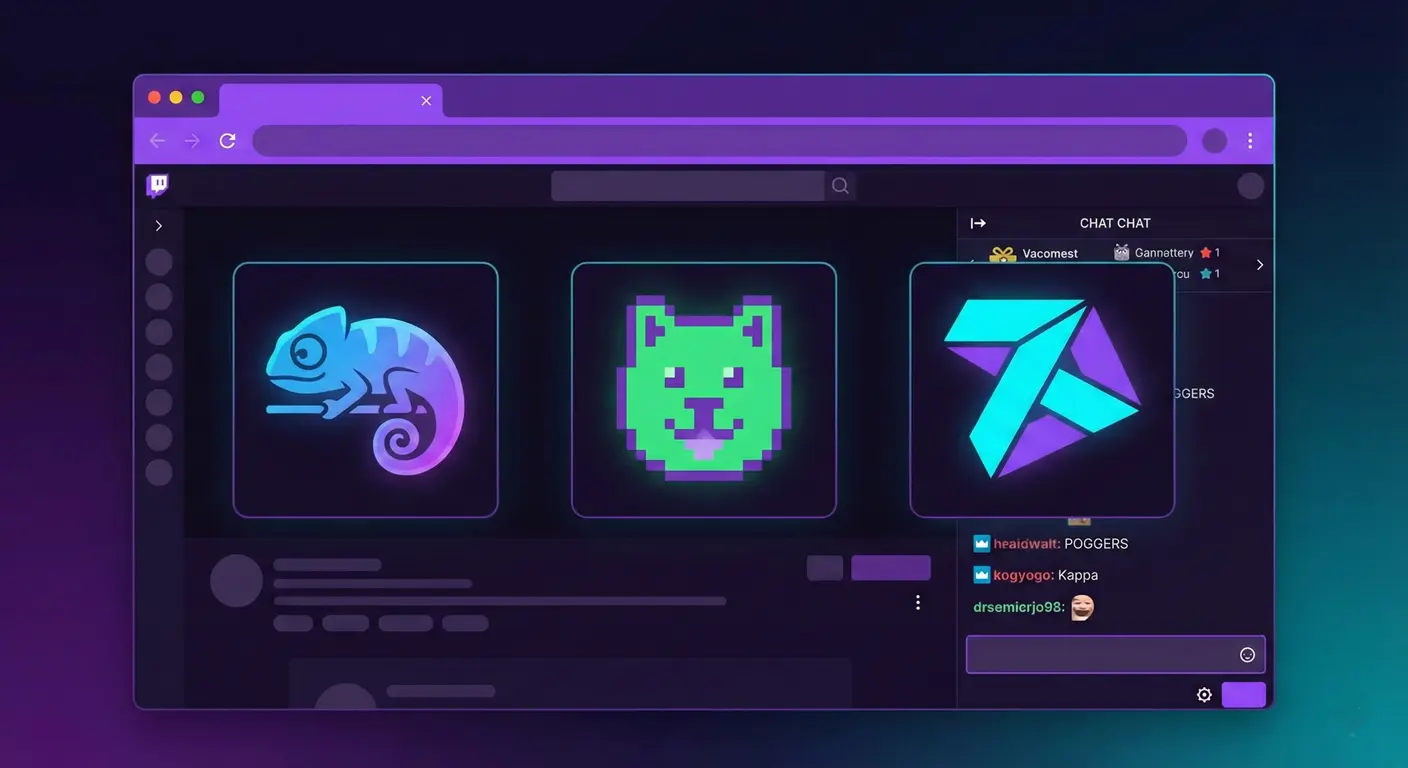
If you've spent any time on Twitch, you've seen emotes that aren't in the "official" emote picker—those weird, hilarious, or iconic images chat spams. They're from third-party extensions, and understanding them is essential for any serious streamer. Let me break down BTTV, FFZ, and 7TV so you can use them effectively.
When I first encountered BTTV emotes, I was confused why chat was spamming what looked like blank messages. Turns out, I just didn't have the extension installed. Let's make sure you understand the whole ecosystem.
What Are Third-Party Emote Extensions?
Twitch has built-in emotes, but they're limited—both in quantity and in what expressions are available. Third-party extensions expand this dramatically:
- Global emotes: Popular community emotes everyone can use
- Channel emotes: Custom emotes specific to each channel
- Personal emotes: Emotes you can use anywhere (premium feature)
BetterTTV (BTTV)
What Is BTTV?
BetterTTV is the oldest and most popular third-party emote extension. Originally launched to enhance Twitch's chat experience, it's become essential for most viewers.
BTTV Features
- Global emotes used across all Twitch channels
- Channel-specific emotes (streamers can add unlimited free slots)
- Chat improvements (timestamps, deleted messages, etc.)
- Animated GIF emotes support
- Personal emotes (requires BTTV Pro subscription)
BTTV Emote Requirements
- Dimensions: 112×112, 56×56, and 28×28 pixels
- File format: PNG (static) or GIF (animated)
- Maximum file size: 1 MB
- Approval: Emotes require manual approval
FrankerFaceZ (FFZ)
What Is FFZ?
FrankerFaceZ is another major extension with a focus on customization. It's known for allowing high-quality channel emotes and extensive chat features.
FFZ Features
- High-quality emote support (up to 4x resolution)
- Extensive chat customization options
- Custom chat badges for channels
- Emoji support in Twitch chat
- Layout and appearance tweaks
FFZ Emote Requirements
- Dimensions: 18×18 up to 128×128 pixels
- File format: PNG only (no animated emotes in base FFZ)
- Maximum file size: 1 MB
- Free slots: 25 per channel (more with supporters)
7TV
What Is 7TV?
7TV is the newest major player, gaining popularity rapidly. It offers features the others don't, particularly around animated emotes and cross-platform support.
7TV Features
- Unlimited animated emotes
- Better animation support than BTTV
- Paint and badge customization
- Zero-width emotes for overlay effects
- Emote set system for easy management
7TV Emote Requirements
- Dimensions: Up to 128×128 pixels
- File format: WebP, GIF, or PNG
- Animation support: WebP recommended for quality
- Free slots: Generous allowance with emote sets
Which Should You Use?
Here's my honest recommendation:
- For viewers: Install all three. BTTV and FFZ together cover almost everything, and 7TV is increasingly necessary.
- For streamers: Set up all three platforms. Different viewers use different extensions.
Overlap and Compatibility
BTTV and FFZ work together seamlessly. 7TV has its own extension but also integrates with FFZ. The golden combo is BTTV + FFZ with 7TV integration enabled.
Setting Up as a Streamer
BTTV Setup
- Go to betterttv.com
- Log in with your Twitch account
- Navigate to your channel dashboard
- Upload emotes (they'll be reviewed before going live)
FFZ Setup
- Visit frankerfacez.com
- Authorize with Twitch
- Go to your channel's emote management page
- Upload emotes (instant approval for most)
7TV Setup
- Head to 7tv.app
- Connect your Twitch account
- Create emote sets for your channel
- Add emotes from the library or upload your own
Best Practices for Third-Party Emotes
Coordinate with Your Twitch Emotes
Use third-party platforms for emotes that complement your sub emotes—not replace them. Keep the best exclusives for subscribers.
Curate Global Emotes Carefully
Not every popular global emote fits your channel's culture. Don't enable ones that conflict with your community guidelines.
Manage Your Slots
Keep a spreadsheet tracking which emotes are on which platform. It's easy to lose track with 50+ slots across three services.
Technical Tips
Use our StreamEmote resizer to create properly sized versions for each platform. The requirements vary slightly, and having correctly sized files for each service saves time and ensures quality.
Final Thoughts
Third-party emote platforms are part of Twitch culture. Your viewers expect them, and not having them set up means missing part of the chat experience.
Set up all three platforms, curate thoughtfully, and maintain them alongside your official Twitch emotes. Your community will thank you.
About the Author
StreamEmote Team
Written by the StreamEmote Team — developers and content creators dedicated to helping streamers succeed. We've processed hundreds of thousands of emotes and share our expertise to help you create the best content for your channel.
Learn more about us →Ready to Resize Your Emotes?
Use our free tool to create perfectly sized emotes for Twitch, Kick, and Discord. No watermarks, no uploads—your images never leave your device.
Try the Emote Resizer →Related Articles
Complete Twitch Emote Size Guide for 2026: Everything Streamers Need to Know
Master Twitch emote requirements with our comprehensive 2026 guide. Learn exact pixel dimensions (28x28, 56x56, 112x112), file formats, optimization tips, and common mistakes to avoid.
How to Create Animated Twitch Emotes: The Complete 2026 Guide
Learn to create smooth, engaging animated Twitch emotes that meet all requirements. Covers GIF optimization, frame rates, file size tricks, and recommended software.